Blog
Best Productivity Tools for Remote Work in 2026
Remote workers spend 4.55 hours in deep focus daily compared to 3.72 hours for office workers, a 22% productivity gain. But here's the catch: 77% of remote…
 Mil Hoornaert · 14 min read

Remote workers spend 4.55 hours in deep focus daily compared to 3.72 hours for office workers, a 22% productivity gain. But here's the catch: 77% of remote workers say they're more productive, yet they still face constant digital distractions that pull them away from actual work. The best productivity tool for remote workers isn't just about tracking tasks, it's about removing the friction that stops you from finishing them.
Key takeaways
- Remote workers gain 22% more focus time than office colleagues but still battle digital distractions
- The best remote work productivity stack covers 5 categories: focus enforcement, project management, communication, time tracking, and document collaboration
- AI-native tools like LockIn MCP turn your existing AI assistant into a productivity coach that blocks distracting sites at the system level
- System-level website blockers outperform browser extensions for serious focus work
- Combining automated distraction blocking with asynchronous communication tools delivers the biggest productivity gains
Why Remote Work Demands Better Productivity Tools
Working remotely gives you control over your environment. You save 55 minutes daily on commuting and get 4.15 more hours of focused work each week compared to office workers. But that freedom comes with a tradeoff.
Research from Hubstaff shows remote workers experience 18% fewer interruptions (2.78 per day versus 3.40 for office staff). That's roughly 161 fewer interruptions per year. Each interruption costs you 23 minutes of recovery time on average, so remote working saves about 62 hours annually just in getting back on task.
The problem? Those interruptions shifted from coworkers tapping your shoulder to social media notifications, news alerts, and the temptation to check just one more thing.
Nearly 22.8% of U.S. employees now work remotely at least part-time, that's over 36 million people. Most struggle with the same challenge: digital distractions that browser extensions can't stop.
Managing remote teams means supporting team members across time zones with tools that help them stay productive without micromanaging. The right remote working software makes that possible.
The 5 Categories of Essential Remote Work Tools
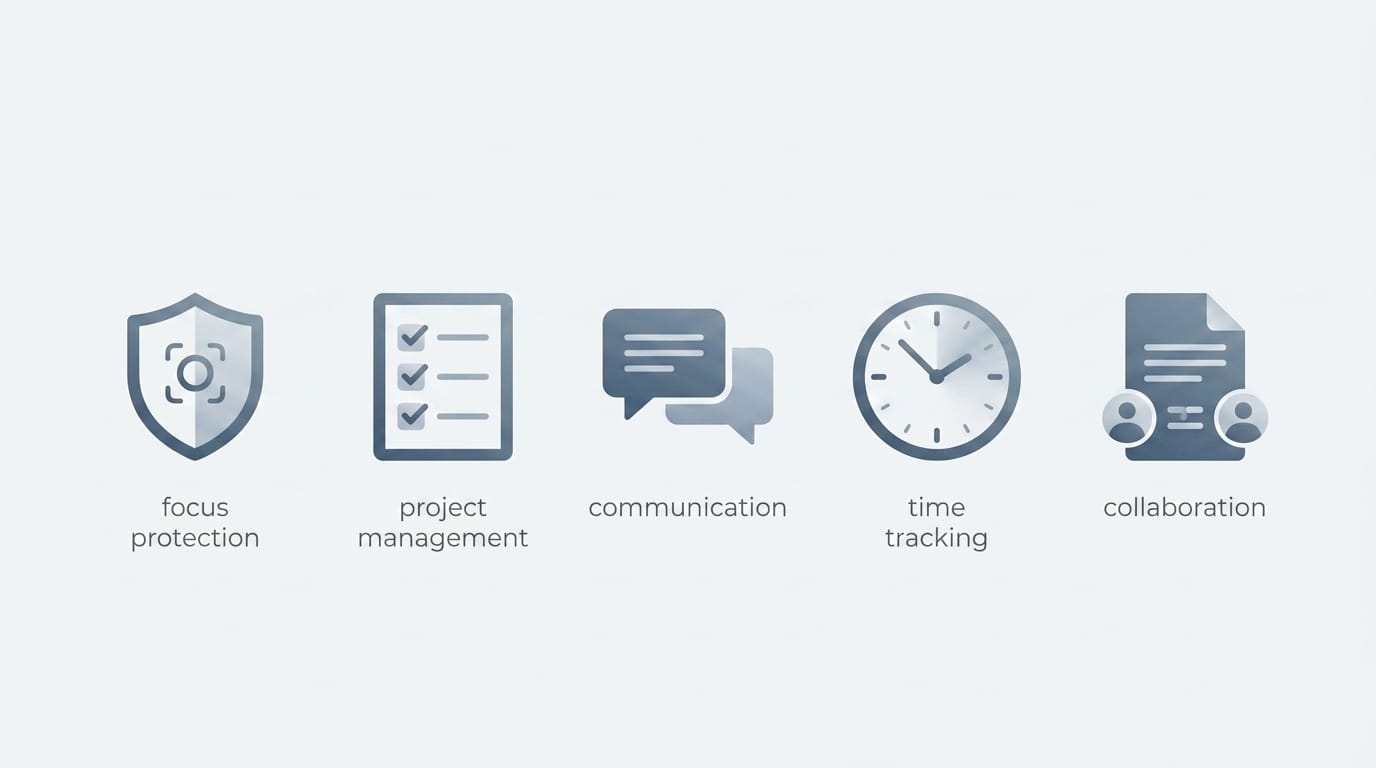
The best productivity tool depends on what's breaking your workflow. Remote workers need a stack that covers five areas:
- Focus enforcement, blocks distractions when you need to lock in
- Project management, keeps tasks visible and organized across distributed teams
- Communication platforms, enables async collaboration without constant meetings
- Time tracking, measures where your hours actually go
- Document collaboration, lets teams work on the same files without version chaos
Most "best tools" listicles throw 20 random apps at you. That doesn't help. You need 1-2 tools per category that integrate with your existing workflow, not replace it entirely.
Focus Enforcement: Stop Distractions Before They Start

Browser extensions are easy to disable. Remote employees who rely on them report lower productivity because willpower isn't a system.
System-level distraction blockers work by modifying your hosts file or enforcing rules at the OS level, you can't bypass them with a single click. Here's what actually works:
LockIn MCP
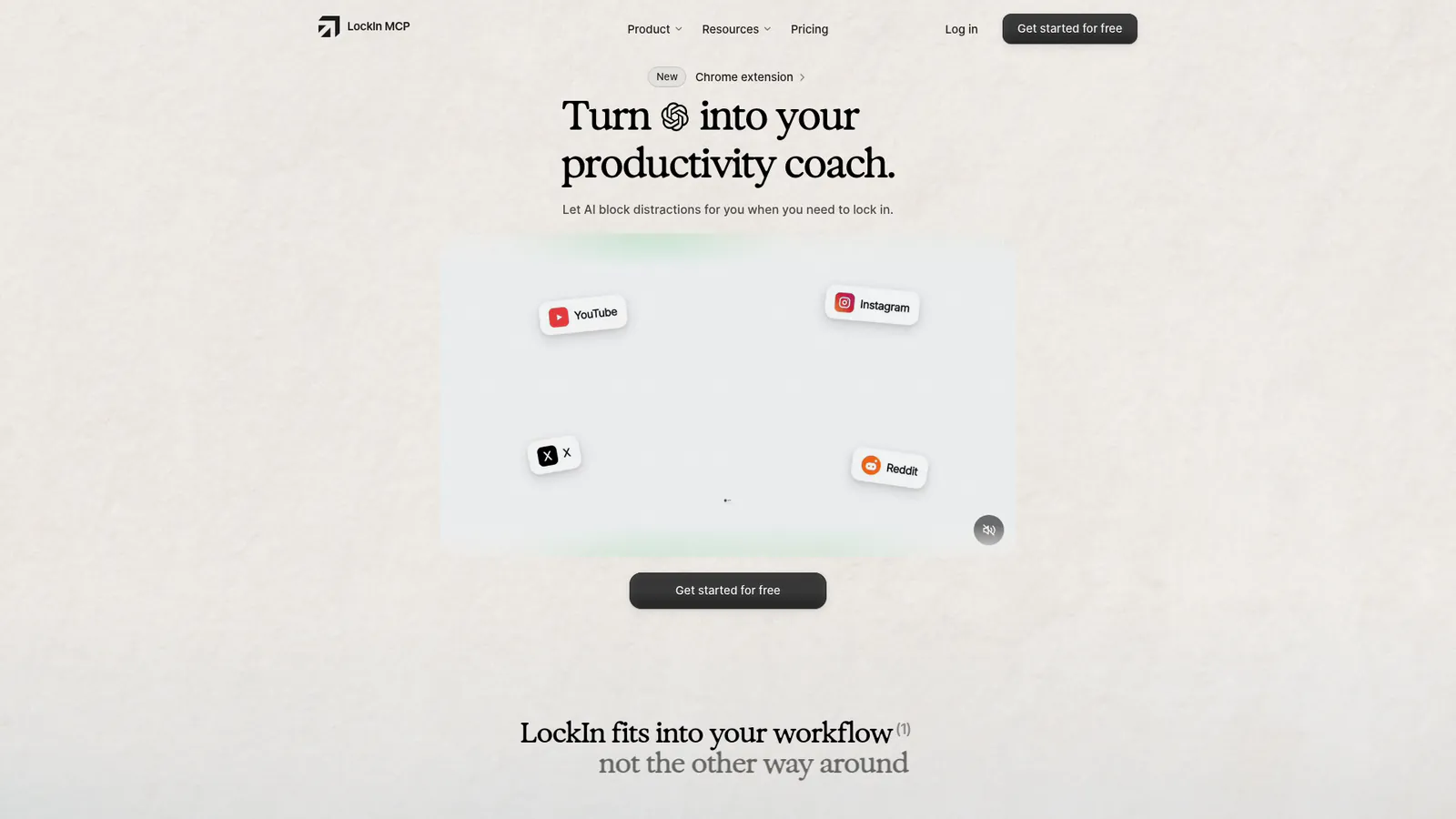
LockIn MCP turns AI assistants like ChatGPT, Claude, or Poke into productivity coaches that block websites for you. You start a focus session through your AI chat, and it handles the blocking at the system level, no switching between apps, no browser extension to disable.
Key features:
- One-line npx installer for macOS, Linux, and Windows
- Integrates with Poke, Claude Desktop, ChatGPT, and other MCP clients
- System-level hosts file blocking (not just browser extensions)
- AI-driven temporary unblock requests with accountability
- Works across all browsers
Best for: developers, writers, knowledge workers who already use AI assistants and want distraction blocking that fits their workflow.
Pricing:From $2.99/month Pro plan, or $59.99 lifetime license. Monthly trial available.
Learn more: How LockIn MCP works
Cold Turkey
Cold Turkey is the gold standard for unbypassable desktop blocking. It locks you out of apps and websites with hardcore enforcement, you literally cannot disable it mid-session without uninstalling the software.
Best for: remote workers who need nuclear-level blocking and don't mind a less flexible setup.
Pricing:One-time purchase of $39.
Freedom
Freedom blocks distractions across all your devices, desktop, mobile, and tablet. It syncs scheduled sessions across platforms and includes website/app blocking plus internet blocking entirely if needed.
Best for: remote teams who work across multiple devices and time zones.
Pricing: $8.99/month or $44.99/year after free trial.
See our full comparison: LockIn MCP vs Freedom
Project Management: Keep Distributed Teams Aligned
Remote teams need visibility into who's doing what without micromanaging. Project management tools centralize tasks, deadlines, and progress tracking so nothing falls through the cracks. These management tools help teams coordinate work across time zones and keep everyone aligned.
Asana
Asana excels at task assignment, project timelines, and workflow automation for remote teams. You can view work as lists, boards, calendars, or Gantt charts depending on your team's style.
Key features:
- Custom workflows and automation rules
- Timeline view for dependency management
- Integrations with Slack, Zoom, Google Workspace, and 200+ other apps
- Templates for common project types
- Mobile app for iOS and Android
Best for: marketing teams, creative agencies, and ops teams managing complex projects with multiple stakeholders.
Pricing:Free plan for up to 10 users; Premium starts at $10.99/user/month.
Trello
Trello keeps it simple with Kanban boards that anyone can understand in 5 minutes. Cards move across columns (To Do → In Progress → Done), and you can attach files, set due dates, and assign team members for seamless task management.
Best for: small remote teams, freelancers, and solopreneurs who want visual task management without the learning curve.
Pricing:Free plan available; Standard is $5/user/month.
Jira
Jira dominates software development teams with agile project management, sprint planning, and issue tracking. It's the platform remote engineering teams use to manage complex software projects with multiple developers and workflows.
Key features:
- Scrum and Kanban boards built for agile workflows
- Roadmaps and sprint planning tools
- Advanced reporting and custom filters
- Tight integration with development tools like GitHub and Bitbucket
Best for: software development teams, engineering managers, and IT operations supporting technical projects.
Pricing:Free for up to 10 users; Standard starts at $8.15/user/month.
Notion
Notion combines wikis, databases, and task management in one tool. Remote teams use it for everything from project roadmaps to meeting notes to knowledge bases.
Best for: remote teams that want an all-in-one workspace for docs, tasks, and databases.
Pricing:Free for individuals; Plus plan starts at $10/user/month.
Communication Platforms: Reduce Meetings, Increase Clarity
The average remote worker attends 50% more meetings than pre-pandemic, yet most of those meetings could be async messages. Communication platforms should reduce meeting overload, not create more interruptions. Remote employees need tools that support async work without sacrificing clarity.
Slack
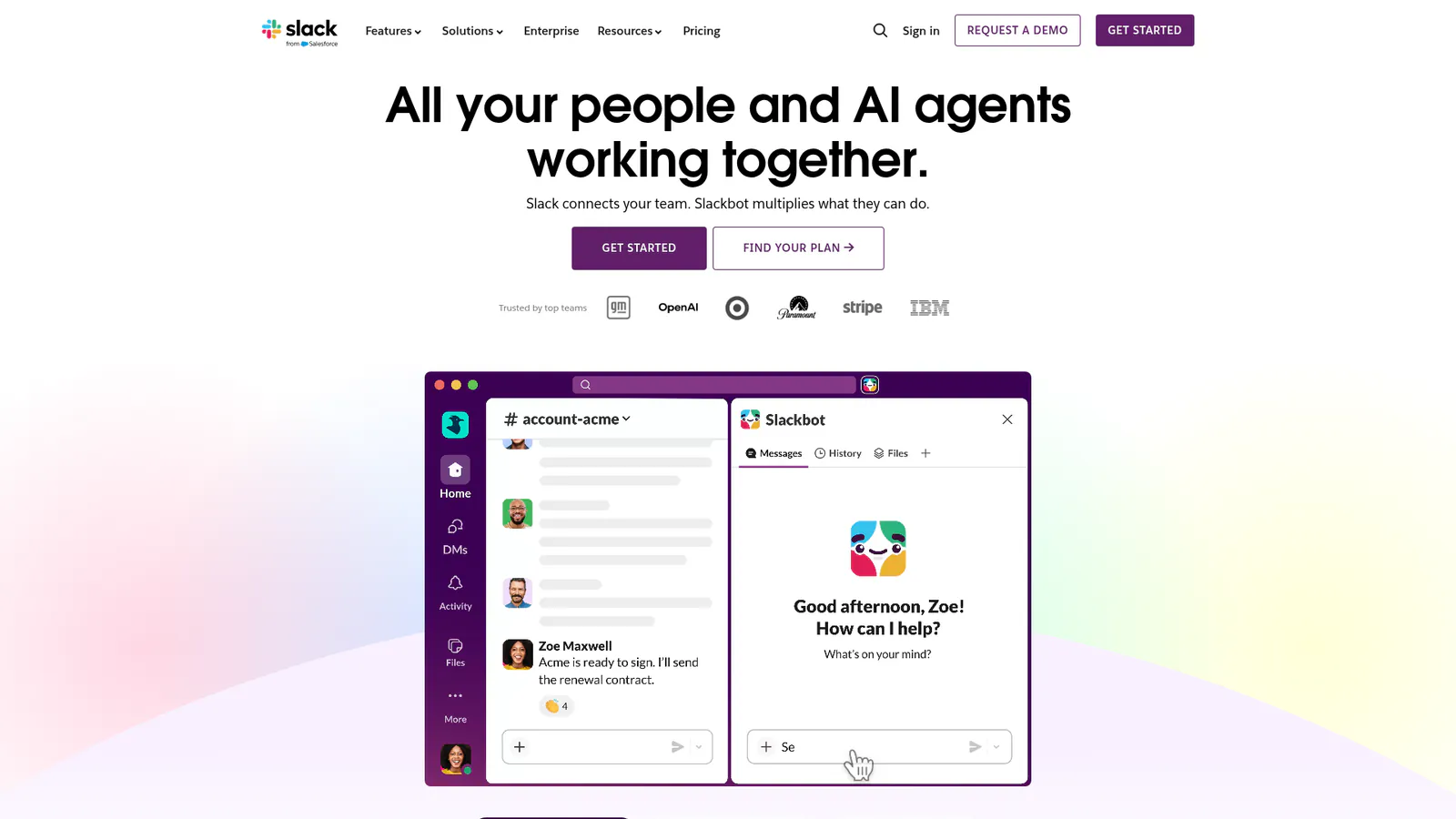
Slack dominates team communication for remote teams. Channels organize conversations by project, topic, or team, and integrations connect it to every other tool in your stack.
Key features:
- Channels, direct messages, threads, and video/voice huddles
- 2,600+ app integrations
- Search that actually works across messages, files, and conversations
- Custom workflows and bots
- Video conferencing built into the platform
Best for: tech companies, distributed teams, and anyone who wants to replace internal email.
Pricing:Free plan available; Pro plan starts at $8.75/user/month.
Microsoft Teams
Microsoft Teams integrates tightly with Microsoft 365 (Word, Excel, PowerPoint, OneDrive). If your company already runs on Microsoft, Teams gives you chat, video conferencing, file collaboration, and app integration in one platform.
Best for: enterprises and organizations already invested in Microsoft's ecosystem.
Pricing:Free plan available; bundled with Microsoft 365 subscriptions starting at $6/user/month.
Zoom
Zoom became the standard for video conferencing during the pandemic and remains the go-to platform for remote teams holding virtual meetings across time zones. The video conferencing platform supports everything from quick team check-ins to all-hands meetings with hundreds of participants.
Key features:
- HD video and audio for up to 1,000 participants
- Screen sharing and virtual backgrounds
- Breakout rooms for small group discussions
- Recording and transcription
- Integrates with Google Calendar, Outlook, Slack, and more
Best for: remote teams that prioritize face-to-face communication and need reliable video conferencing.
Pricing:Free plan with 40-minute meeting limit; Pro plan starts at $14.99/month per license.
Loom
Loom records quick video messages so you can explain something in 2 minutes instead of scheduling a 30-minute meeting. Remote workers use it for bug reports, design feedback, training videos, and async updates.
Best for: remote teams drowning in meetings who need a faster way to communicate context.
Pricing:Free plan for up to 25 videos; Business plan starts at $12.50/user/month.
Time Tracking: See Where Your Hours Actually Go
You can't fix what you don't measure. Time tracking shows where productivity drops, which tasks take longer than expected, and how to price your work accurately if you're freelancing. Managing remote employees often requires visibility into time allocation without micromanaging workflows.
Toggl Track
Toggl Track is the simplest time tracker that doesn't get in your way. One-click start/stop timers, automatic tracking reminders, and detailed reports show exactly how you spend your day.
Key features:
- Desktop, mobile, and web apps
- Browser extension tracks time spent on websites
- Idle detection
- Project-based time tracking with billable rates
- Integrations with Asana, Trello, Jira, and other project management platforms
Best for: freelancers, consultants, and remote workers who bill by the hour or want to audit their time usage.
Pricing:Free plan available; Starter plan is $10/user/month.
Clockify
Clockify offers unlimited time tracking for unlimited users on the free plan. It's similar to Toggl but with more generous free-tier features and a focus on team time tracking.
Best for: small remote teams and startups that need time tracking without the monthly subscription cost.
Pricing:Free forever plan; Plus plan starts at $3.99/user/month.
Document Collaboration: Work on the Same Files, Anywhere
Remote teams can't pass a document across the desk. Cloud-based collaboration tools let multiple people edit files simultaneously without emailing versions back and forth. These platforms help teams stay aligned on documents, presentations, and spreadsheets.
Google Workspace
Google Workspace (Docs, Sheets, Slides, Drive) lets remote teams create and edit documents in real time. Everyone sees changes instantly, and version history prevents accidental overwrites.
Key features:
- Real-time collaboration with live cursors showing who's editing
- Commenting and suggesting modes for feedback
- 15GB free storage (or more with paid plans)
- Works offline with Chrome extension
- Integration with Google Calendar and Google Meet for video conferencing
Best for: remote teams that prioritize speed and simplicity over advanced formatting.
Pricing:Free for personal use; Business Starter is $6/user/month.
Notion (Documents + Databases)
We mentioned Notion in project management, but it doubles as a powerful document collaboration tool. Remote teams use it for company wikis, SOPs, meeting notes, and shared knowledge bases. The platform helps teams build internal documentation that stays organized as the company grows.
Best for: remote teams building internal documentation and knowledge repositories.
Pricing:Free for individuals; Plus plan starts at $10/user/month.
Salesforce
For remote sales teams and customer-facing roles, Salesforce remains the leading CRM platform for managing remote customer relationships, tracking deals, and coordinating sales workflows across distributed teams.
Best for: sales teams, account managers, and customer success teams working remotely.
Pricing:Starts at $25/user/month for Essentials; enterprise plans available.
How to Build Your Remote Work Productivity Stack
Don't install 15 tools at once. Start with the category that's breaking your workflow right now.
If distractions kill your focus:Start with a system-level blocker like LockIn MCP, Cold Turkey, or Freedom. Browser extensions won't cut it for deep work.
If tasks feel chaotic:Pick one project management tool (Asana, Trello, Jira, or Notion) and commit to it for 30 days. Most teams fail because they switch tools every month, not because they picked the wrong one.
If meetings consume your day:Add Loom for async video updates and set Slack/Teams rules (no DMs during focus blocks, threads for everything, channels over group chats).
If you don't know where time goes:Run Toggl Track or Clockify for two weeks. The data will show you exactly what's stealing hours.
If version control is a nightmare:Migrate to Google Workspace or Notion. Email attachments and "final_v3_FINAL.docx" files stop being a problem immediately.
The best remote work productivity stack isn't about having the most tools, it's about using the right ones consistently. Remote working software should integrate smoothly so team members can focus on work instead of managing apps.
AI-Native Tools Are Changing Remote Work Productivity
Traditional productivity tools treat AI as a feature you add later. AI-native tools are built around AI from day one.
LockIn MCP exemplifies this shift. Instead of opening another app to block websites, you tell your AI assistant "lock in for 2 hours" and it handles everything, blocking, tracking, temporary unblocks with accountability. The AI already knows your schedule, your focus patterns, and which sites distract you most.
That's the advantage of AI-native productivity tools: they integrate with how you already work instead of forcing you into a new workflow.
Other AI-native approaches gaining traction in 2026:
- AI meeting summarizers that turn hour-long Zoom calls into 5-minute summaries
- AI writing assistants that draft emails, documents, and reports from bullet points
- AI task managers that prioritize your to-do list based on deadlines, dependencies, and your energy levels
The common thread? They reduce cognitive load by handling the busywork so you can focus on actual work. These tools help teams stay productive without adding more complexity to their workflows.
Learn more about AI productivity tools: Best AI Focus Assistants That Work with ChatGPT
Productivity Isn't About More Tools, It's About Better Systems
You don't need 20 apps. You need:
- A way to block distractions when focus matters (system-level blocker)
- A single source of truth for tasks (project management tool)
- Async communication that reduces meetings (Slack, Teams, Loom)
- Visibility into time usage (time tracker)
- Real-time document collaboration (Google Workspace, Notion)
Remote workers who master those five categories outperform everyone else, not because they work more hours, but because they protect the hours that matter.
The data backs this up. Remote workers already have 4.15 more hours of focus time per week. The question isn't whether remote work is productive, it's whether you're using tools that protect that advantage or waste it.
Start with focus enforcement. Everything else becomes easier when you're not fighting distractions all day. Supporting remote teams means giving them tools that remove friction instead of adding it.
FAQ
What's the single best productivity tool for remote workers?
There's no one-size-fits-all tool, but if you're struggling with focus, start with a system-level distraction blocker like LockIn MCP, Cold Turkey, or Freedom. Remote workers consistently report that removing digital distractions has the biggest impact on output. From there, add project management (Asana, Trello, Jira, Notion), communication (Slack, Teams), time tracking (Toggl), and document collaboration (Google Workspace).
Are browser extensions enough to block distractions for remote work?
No. Browser extensions are too easy to disable with one click. When you hit a distraction trigger mid-task, willpower fails. System-level blockers modify your hosts file or enforce OS-level rules that prevent access even if you try to bypass them. For remote workers doing deep focus work, system-level blocking outperforms browser extensions every time.
How do AI-native productivity tools differ from traditional tools?
AI-native tools integrate directly with AI assistants you already use (ChatGPT, Claude, Poke) instead of forcing you into a separate app. For example, LockIn MCP lets you start focus sessions, block sites, and request temporary unblocks through your AI chat interface. Traditional tools require switching contexts, opening new apps, and managing separate workflows. AI-native tools fit how you already work.
Should remote workers use time tracking tools?
Yes, especially if you bill hourly, want to audit productivity, or need data to show distributed team performance. Time tracking reveals where hours actually go versus where you think they go. Tools like Toggl Track and Clockify offer free plans with enough features for most remote workers. The data helps you cut low-value tasks, price your work accurately, and spot burnout patterns early.
What's the best productivity stack for freelancers versus remote teams?
Freelancers:Focus on tools that are free or low-cost with minimal setup, LockIn MCP or Freedom for distraction blocking, Trello or Notion for task management, Toggl for time tracking, and Google Workspace for documents. Keep it simple.
Remote teams:Add communication layers, Slack or Microsoft Teams for chat, Loom for async video, Asana or Jira for project management with multiple stakeholders, and Clockify for team time tracking. Remote teams need visibility across team members, not just personal productivity.
How many productivity tools should remote workers actually use?
Five to eight, maximum. One per category: focus enforcement, project management, communication, time tracking, and document collaboration. Adding more tools creates tool overload, you spend more time managing apps than doing work. Pick one tool per category, commit to it for 30 days, and optimize your workflow before switching.
Do return-to-office mandates improve productivity for remote workers?
No. Research from the University of Pittsburgh found return-to-office mandates hurt job satisfaction without improving business performance. Remote workers already spend 22% more time in focused work and experience 18% fewer interruptions than office workers. Companies requiring five-day office returns lose top talent, 80% of companies with RTO mandates reported losing employees as a result.