Blog
Best Affordable Website Blockers in 2026
Affordable doesn't mean weak. Compare free tools, $2–$10/month blockers, and one-time purchases like Cold Turkey — plus LockIn MCP at $2.99/month.
 Mil Hoornaert · 12 min read
Some links are affiliate links. We may earn a commission if you buy through them, at no extra cost to you.
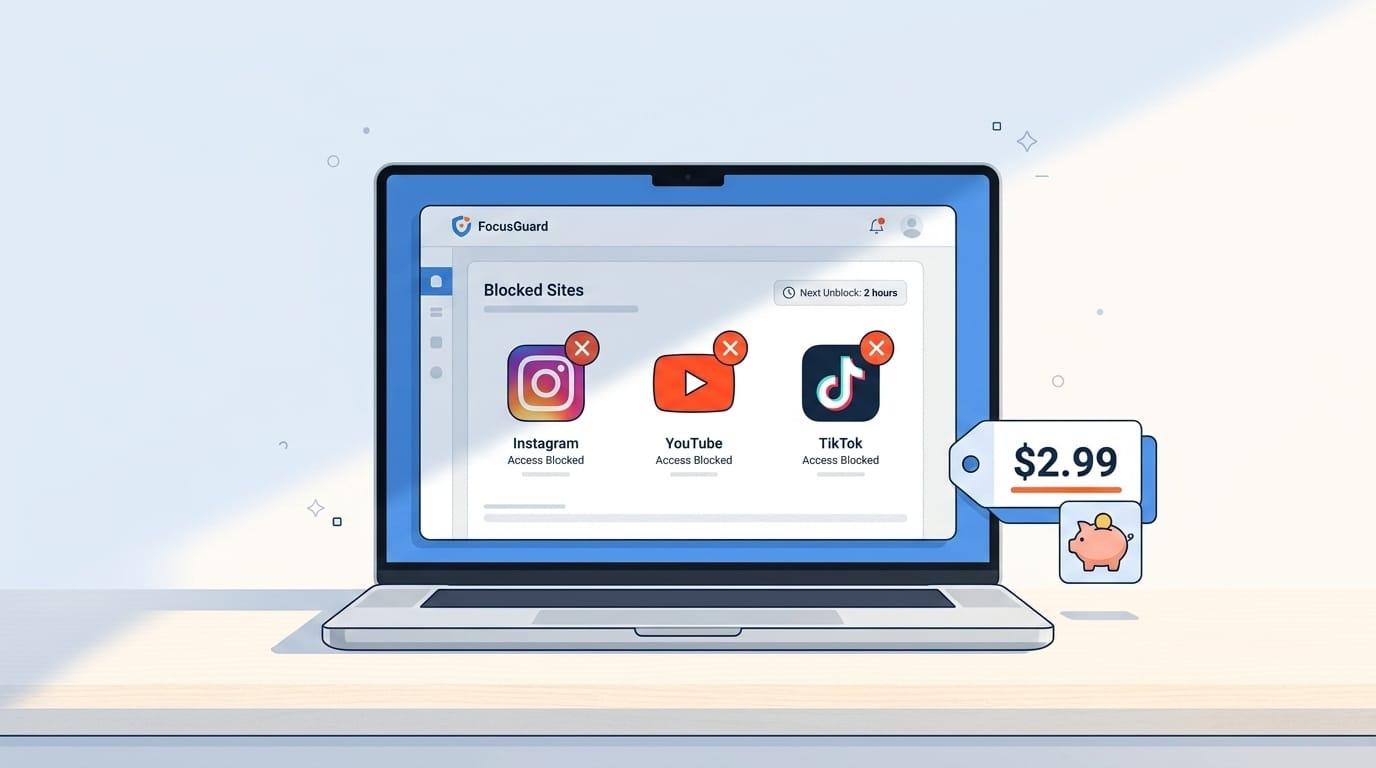
An affordable website blocker doesn't mean settling for weak blocking. The best budget options, like LockIn MCP at $2.99/month, Cold Turkey's $45 lifetime license, and completely free tools like LeechBlock NG, deliver system-level or browser-based blocking that actually stops distractions without the $100+ annual price tags of premium apps.
Key takeaways:
- Free browser extensions (LeechBlock NG, StayFocusd) work for basic website blocking on Chrome and Firefox
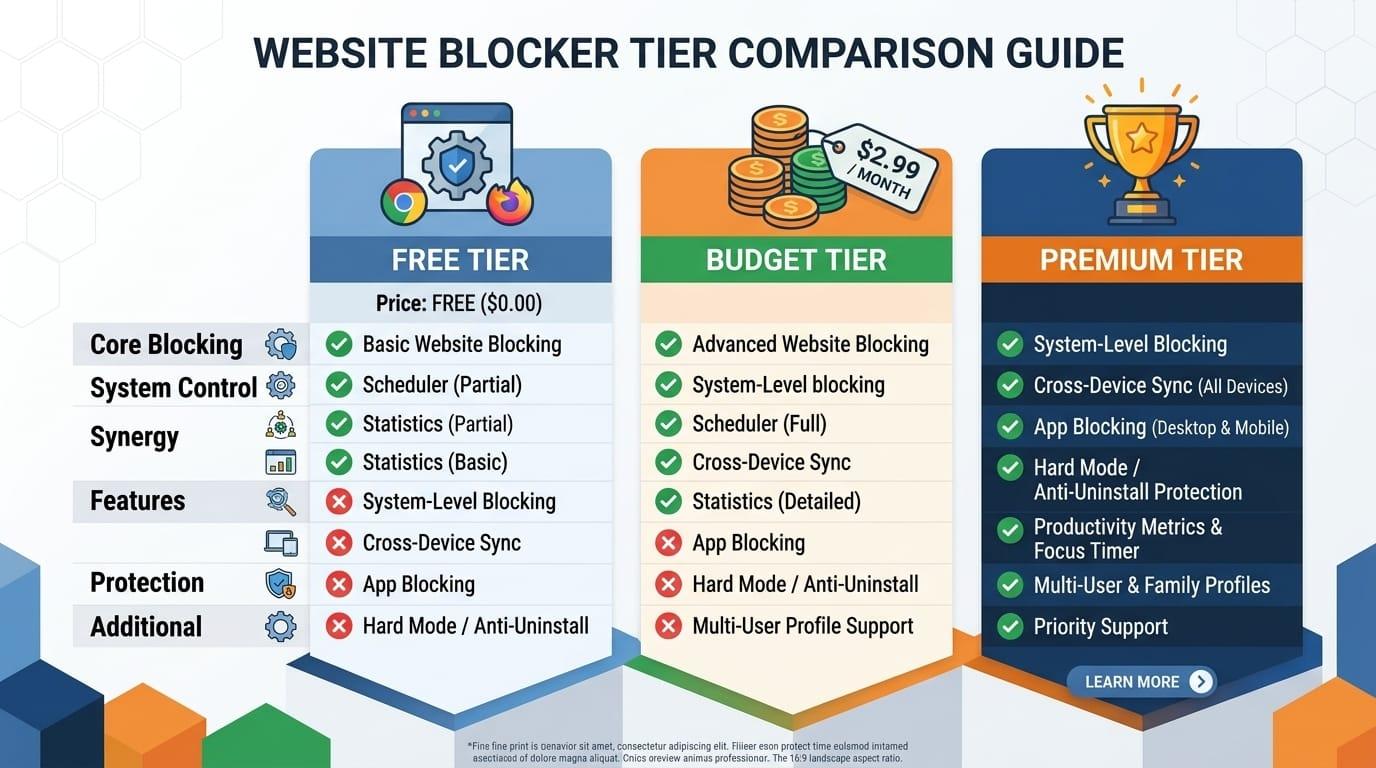
- Budget subscriptions like LockIn MCP ($2.99/month) and Freedom ($8.99/month) add system-level blocking and cross-device sync
- One-time purchases like Cold Turkey Blocker Pro ($45) eliminate recurring costs entirely
- System-level blockers are harder to bypass than browser-only extensions
- AI-integrated tools like LockIn MCP add accountability through ChatGPT, Claude, or Poke without extra fees
What Makes a Website Blocker "Affordable"?
Affordable means different things depending on your budget and how you use the tool. A free browser extension might be perfect if you only need to block sites during work hours on one device. A $3/month subscription makes sense if you need cross-platform blocking on your phone, laptop, and tablet. A $45 one-time purchase pays for itself in five months compared to a $9/month subscription.
The real cost isn't just the price tag. It's whether the blocker actually works. Cheap tools that are easy to bypass waste your time and money. According to a meta-analysis of 40 studies on problematic internet use, cognitive deficits from digital distractions are measurable and reversible with consistent blocking. The blockers below balance price with enforcement strength.
Best Free Website Blockers
LeechBlock NG
LeechBlock NG is a free, open-source browser extension for Chrome, Firefox, Edge, and other Chromium browsers. You can block up to 30 sets of websites with custom time limits, schedules, and access days.
What it blocks:Websites only (no apps) Platforms: Chrome, Firefox, Edge, Brave, Opera, Vivaldi Bypass difficulty: Medium (browser-level, so you can open another browser)
LeechBlock NG lets you set time limits per block set, say, 10 minutes of social media per hour, and supports recurring schedules. It's lightweight and doesn't track your activity. The downside? It only works in the browser where it's installed. Open Safari or another browser, and the blocks disappear.
Best for: Single-device users who need flexible scheduling and don't mind browser-level blocking.
StayFocusd
StayFocusd is a free Chrome extension with over 8.7K ratings and a 4.4-star average. It blocks distracting websites and sets daily time limits. The "Nuclear Option" blocks the entire internet for up to 8 hours.
What it blocks:Websites, YouTube Shorts Platforms: Google Chrome only Bypass difficulty: Low to medium (Chrome-only, easy to switch browsers)
StayFocusd's Nuclear Option is its standout feature. Once activated, you can't disable it until the timer runs out, even if you uninstall the extension. The catch? It only works in Chrome. If you have Firefox or Safari installed, you can bypass it in seconds.
Best for: Chrome users who need a free timer-based blocker with a strict lockdown mode.
Cold Turkey Blocker Free
Cold Turkey Blocker Free is the free version of Cold Turkey Blocker Pro. It blocks websites for a set duration and includes website exceptions (block everything except specific sites). It's desktop-only and works on Windows and macOS.
What it blocks:Websites Platforms: Windows, macOS Bypass difficulty: High (system-level hosts file blocking)
Cold Turkey Free uses your computer's hosts file to block sites at the operating system level. That means the blocks work across all browsers, Chrome, Firefox, Safari, Edge. You can't bypass it by switching browsers. The free version includes a 7-day trial of all Pro features, including app blocking and scheduled blocks.
Best for: Desktop users who want system-level blocking without paying upfront.
Other Free Options Worth Considering
Mindful Browsing is a free, open-source Chrome extension that adds friction before you visit distracting sites. Instead of blocking, it shows a breathing exercise and asks if you really want to proceed. It's gentler than hard blocking but effective for building awareness.
Self Control (macOS only) is a free, open-source app that blocks websites for a set duration. Once you start a block, you can't stop it, even if you restart your computer or delete the app. It's the free equivalent of Cold Turkey's locked mode.
Best Budget-Friendly Website Blockers ($2-$10/month)
LockIn MCP
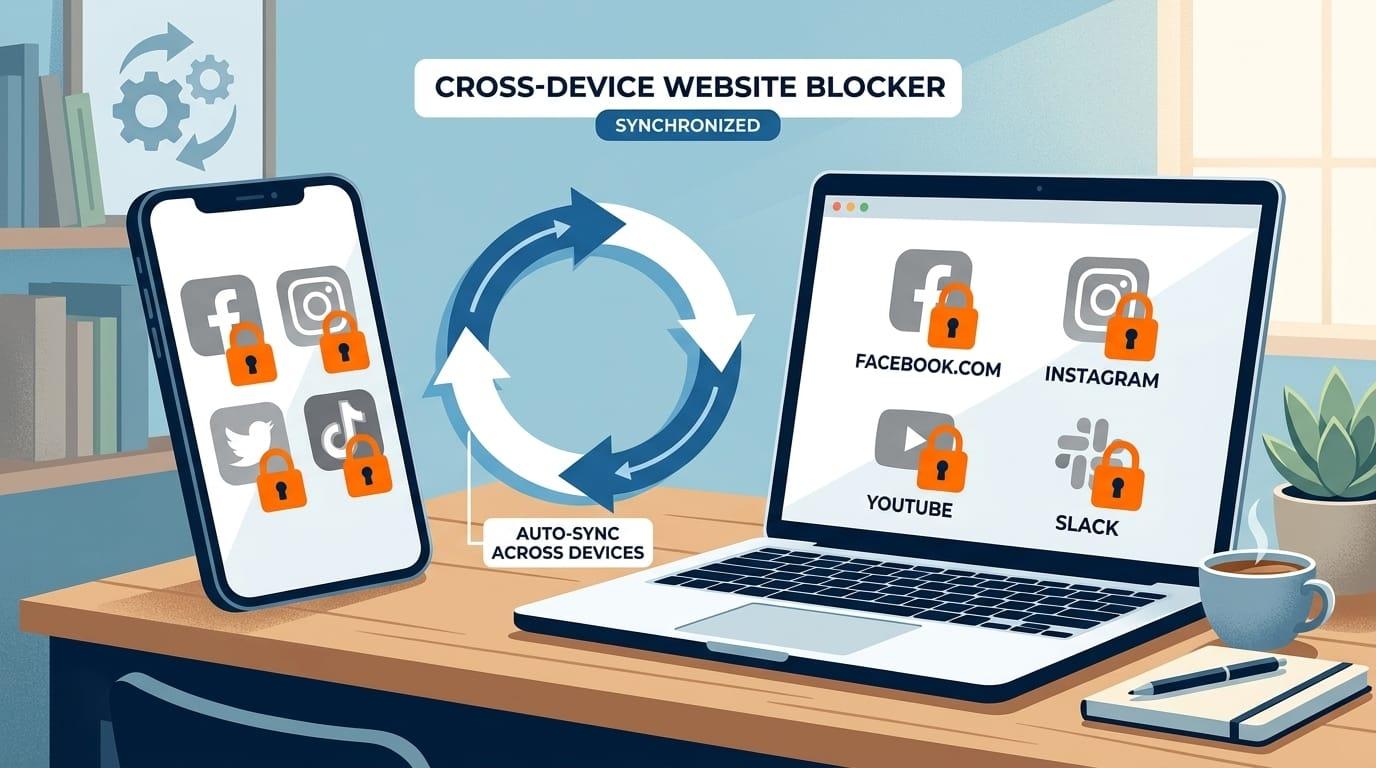
LockIn MCP is an AI-native website blocker that integrates with ChatGPT, Claude, Perplexity, Gemini, and Poke. It blocks distracting sites at the system level (hosts file + MCP server) and lets you control blocking through your AI assistant. Pro plans start at $2.99/month or $29.99/year, with a $59.99 lifetime license.
What it blocks:Websites (system-level) Platforms: macOS, Windows, Linux, Chrome extension Bypass difficulty: High (hosts file + AI accountability layer)
LockIn MCP's differentiator is AI integration. You start focus sessions, request temporary unblocks, and track your productivity through ChatGPT or Claude. The AI enforces accountability, if you ask to unblock a site, it asks why. That friction is enough to stop most impulse browsing.
Installation is one command (npx -y lockin-mcp install). The MCP server runs in the background and connects to your AI tools via a relay URL or local server. Blocking happens at the OS level, so it works across all browsers.
Best for: Developers and knowledge workers who already use AI assistants and want lightweight, AI-enforced focus.
Freedom
Freedom is the most popular cross-platform website and app blocker. It syncs blocking sessions across Mac, Windows, iOS, Android, and Chrome. Plans start at $8.99/month or $39.99/year (about $3.33/month).
What it blocks:Websites, apps, entire internet Platforms: Mac, Windows, iOS, Android, Chromebook, Linux Bypass difficulty: High (system-level + mobile app blocking)
Freedom's killer feature is cross-device sync. Start a session on your laptop, and your phone blocks Instagram and YouTube at the same time. Locked mode prevents you from ending a session early. You can schedule recurring blocks (e.g., every weekday 9am-5pm) and set time limits per site.
A Carnegie Mellon study found Freedom users earned 22% more per hour. A Microsoft study reported 20% higher productivity. Freedom has 4 million users and a 30-day free trial.
Other Freedom features:Freedom includes ambient sounds and Brain.fm integration for focus music, website exceptions (block all except specific sites), and team plans for companies. According to Cardiff University research, Freedom is a top-tier example of "disconnective media" that helps users reclaim attention.
Best for: Multi-device users who need app blocking on mobile and desktop with proven results.
FocusMe
FocusMe is a powerful website and app blocker for Windows, macOS, Android, and iOS. Plans start at $7.95/month or $47.95/year. It blocks websites, apps, and specific app features (like YouTube recommendations).
What it blocks:Websites, apps, app features Platforms: Windows, macOS, Android, iOS Bypass difficulty: Very high (system-level with tamper protection)
FocusMe allows granular control. You can block specific YouTube channels, Reddit subreddits, or Twitter feeds while allowing the rest of the site. It includes Pomodoro timers, forced breaks, and scheduled blocks. FocusMe's "Force Mode" prevents you from disabling blocks, even if you restart your device.
According to FocusMe's internal data, users report an average productivity increase of 2.5 hours per day. The app is harder to bypass than Freedom but costs slightly less annually.
Best for: Power users who need granular blocking control and don't mind a steeper learning curve.
Best One-Time Purchase Options
Cold Turkey Blocker Pro
Cold Turkey Blocker Pro is a $45 one-time purchase for lifetime access on all your personal computers (Windows and macOS). It's the "nuclear option" for desktop distraction blocking.
What it blocks:Websites, apps, entire internet Platforms: Windows, macOS Bypass difficulty: Very high (system-level with tamper protection)
Cold Turkey Pro blocks at the system level and includes scheduled blocks, app blocking, breaks and allowances, and an application password. Once a block starts, you can't disable it, even if you restart your computer or try to uninstall the app. It's the hardest blocker to bypass.
The Pro version includes a 30-day money-back guarantee. Students get 20% off ($36). One purchase covers all your personal computers.
Best for: Desktop power users who want the strictest blocking and prefer a one-time payment over subscriptions.
What's Keeping Us From Being Productive?
Digital distractions cost more than time. A landmark PNAS study found that heavy social media use causes measurable cognitive decline equivalent to 10 years of aging. The good news? A 14-day detox using website blocking tools reversed those deficits.
The average knowledge worker checks their phone 96 times per day and switches tasks every 3 minutes, according to research from UC Irvine. Each interruption costs 23 minutes of recovery time. That's why system-level blockers work better than willpower alone.
Website blockers remove the friction of accessing distracting sites. Instead of relying on self-control, you automate the decision. An Arizona State University study found that focused sessions with blocking tools increase task efficiency and lower cognitive fatigue.
How to Choose the Right Affordable Website Blocker
Match your budget and use case:
| Your situation | Best option | Why |
|---|---|---|
| Single device, browser-only | LeechBlock NG (free) | Flexible scheduling, no cost |
| Desktop-only, strict blocking | Cold Turkey Free or Pro | System-level, hard to bypass |
| Multi-device, need mobile blocking | Freedom ($8.99/mo) | Cross-platform sync, app blocking |
| AI assistant user, developer-friendly | LockIn MCP ($2.99/month) | AI integration, one-line install |
| Hate subscriptions | Cold Turkey Pro ($45 lifetime) | Pay once, own forever |
| Need granular control | FocusMe ($7.95/mo) | Block specific app features |
System-level blockers (Cold Turkey, LockIn MCP, FocusMe) are harder to bypass than browser extensions (LeechBlock NG, StayFocusd). If you're serious about blocking distractions, invest in a system-level tool.
Do Cheap Website Blockers Actually Work?
Yes, if they block at the system level or use tamper-resistant locking. Browser extensions like LeechBlock NG and StayFocusd work for casual blocking, but you can bypass them by opening another browser or disabling the extension.
System-level blockers like Cold Turkey, LockIn MCP, and Freedom modify your computer's hosts file or use VPN-based blocking (on mobile). That means the blocks persist across all browsers and apps. Cold Turkey's locked mode and Freedom's locked sessions prevent you from disabling blocks mid-session.
A University of Waterloo study found participants completed 27% more tasks per hour when using Freedom. A PNAS study showed a 14-day social media detox (using Freedom) reversed 10 years of cognitive decline. An NSU Florida study found that Freedom empowers users to limit screen time and improve focus for online learning and work.
The blocker works if you can't easily bypass it. Free tools are fine for light use. Budget tools ($3-$9/month) or one-time purchases ($45) deliver stronger enforcement.
Affordable Alternatives to Consider
If the options above don't fit, here are a few more affordable website blockers:
- RescueTime ($12/month or $78/year) tracks your time and blocks distracting sites. It's more expensive but includes detailed productivity analytics.
- Pause (free on iOS) adds a breathing exercise before opening social media apps. It's not a hard blocker but builds awareness.
- Productive (free with in-app purchases) is a habit tracker with website blocking features. It's designed for building routines, not strict enforcement.
For a full comparison of distraction blockers, read our guide on the best distraction blockers of 2026.
Conclusion
You don't need to spend $100/year on a website blocker. Free tools like LeechBlock NG and StayFocusd handle basic browser blocking. Budget subscriptions like LockIn MCP ($2.99/month) and Freedom ($8.99/month) add system-level blocking and cross-device sync. One-time purchases like Cold Turkey Pro ($45) eliminate recurring costs.
Pick the tool that matches your budget and blocking needs. If you use AI assistants, try LockIn MCP. If you need mobile app blocking, go with Freedom. If you want the strictest desktop blocking, choose Cold Turkey.
Start with a free trial or free version. Test the blocking strength. Upgrade if you need more features. The best affordable website blocker is the one you'll actually use.
FAQ
What is the cheapest website blocker that actually works?LeechBlock NG is completely free and works well for browser-level blocking on Chrome and Firefox. For system-level blocking, LockIn MCP starts at $2.99/month or $59.99 lifetime, making it the cheapest option with hosts file enforcement.
Are free website blockers safe to use?Yes, if you download them from official sources. LeechBlock NG is open-source and audited. StayFocusd is available in the Chrome Web Store. Cold Turkey Free is from the official Cold Turkey website. Avoid third-party download sites.
Can I block websites on my phone for free? iOS and Android have built-in screen time controls that block apps and websites for free. For more control, Freedom offers a free trial with mobile app blocking. Most free browser extensions don't work on mobile.
What's better: a free website blocker or a paid one?Paid blockers like Freedom and Cold Turkey Pro are harder to bypass and include features like scheduled blocks, app blocking, and cross-device sync. Free tools work for casual blocking but are easier to disable. If you're serious about focus, a $3-$9/month subscription or $45 one-time purchase is worth it.
How do I block websites on Windows for free?Use Cold Turkey Blocker Free for system-level blocking, or edit your hosts file manually. Browser extensions like LeechBlock NG also work on Windows. For step-by-step instructions, see our guide on how to block websites on Windows.
Can website blockers be bypassed?Browser extensions can be bypassed by switching browsers or disabling the extension. System-level blockers like Cold Turkey and LockIn MCP are much harder to bypass because they modify your computer's hosts file. Locked modes in Freedom and Cold Turkey prevent you from ending a session early.
Is LockIn MCP really cheaper than Freedom?Yes. LockIn MCP Pro starts at $2.99/month or $29.99/year. Freedom starts at $8.99/month or $39.99/year. LockIn MCP's lifetime license is $59.99 vs. Freedom's $99.50. LockIn MCP is the most affordable system-level blocker with AI integration.
How can I get Freedom for everyone in my company?Freedom offers team plans with centralized billing, admin controls, and volume discounts. Contact their sales team for pricing based on your company size. For smaller teams or developer-focused workplaces, LockIn MCP's $2.99/month per-user pricing may be more cost-effective.