Blog
6 Best Cold Turkey Alternatives in 2026
Looking for a Cold Turkey alternative? Compare FocusMe, Freedom, LockIn MCP, SelfControl, Opal, and StayFocusd for enforcement strength, platforms, and price.
 Mil Hoornaert · 8 min read
Some links are affiliate links. We may earn a commission if you buy through them, at no extra cost to you.
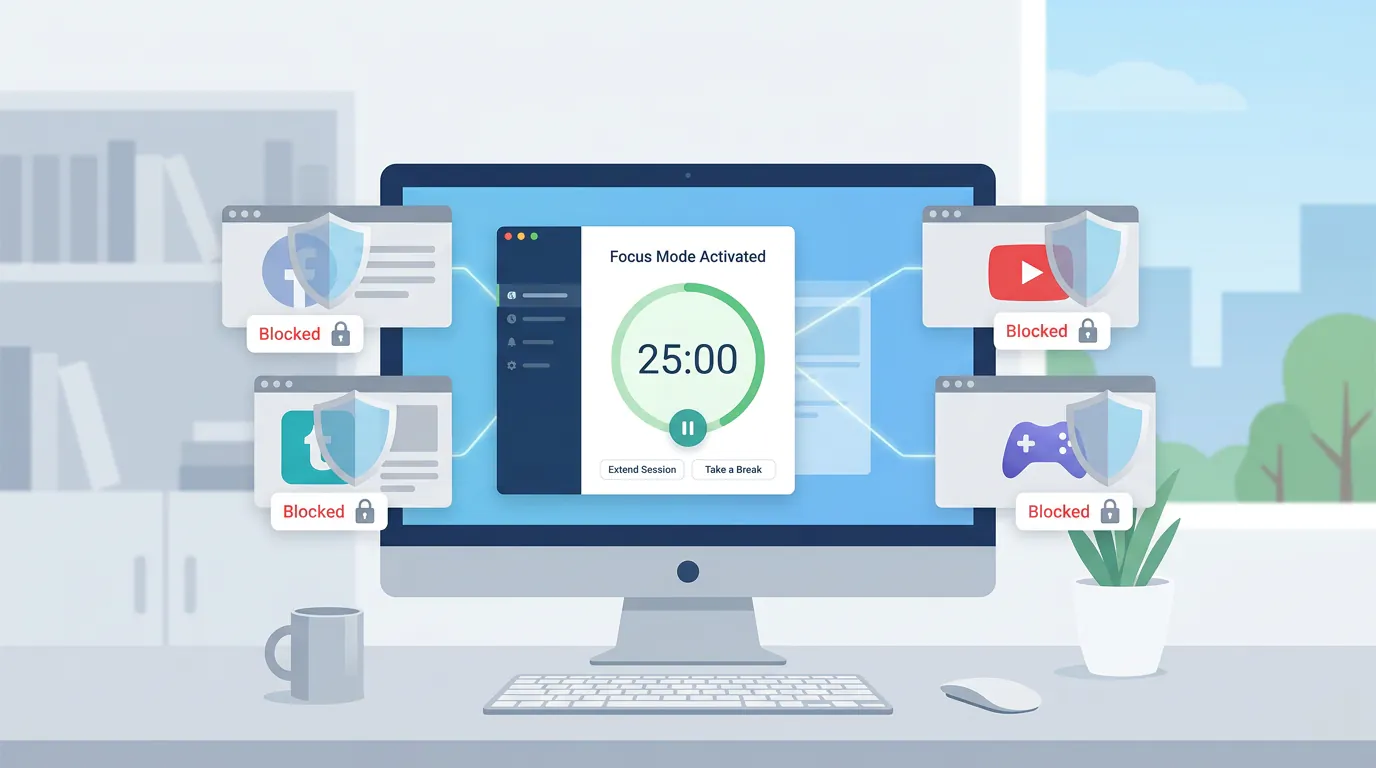
Cold Turkey is the gold standard for desktop website and app blocking, but it's Windows/Mac only, and its nuclear-level strictness isn't for everyone. If you need cross-platform support, mobile blocking, or more flexible scheduling, you'll want one of these six Cold Turkey alternatives.
Key takeaways:
- FocusMe offers the closest match to Cold Turkey's bypass prevention with more scheduling flexibility
- Freedom works across all devices (including mobile) with simpler setup but weaker enforcement
- LockIn MCP integrates AI assistants like ChatGPT and Claude to control system-level blocking via natural language
- SelfControl is a free, open-source Mac alternative with timer-based blocking
- Opal dominates iPhone/Android focus sessions but lacks desktop depth
- Browser extensions like StayFocusd are easier to bypass than system-level tools
Why Users Look for Cold Turkey Alternatives
Cold Turkey Blocker is legendary for being nearly impossible to bypass once locked. But three main reasons drive people to alternatives:
Platform limitations.Cold Turkey only runs on Windows and macOS. If you need Linux support or mobile blocking (iPhone/Android), you're out of luck.
Overkill strictness.Cold Turkey's defining feature is also its drawback. Once you lock a block, you can't undo it without a system restart or workaround. Some users want time limits or temporary unblocks without nuclear enforcement.
Pricing model.Cold Turkey Pro is a one-time $39 purchase, which is great long-term. But users testing multiple tools or on tight budgets sometimes prefer monthly trials or free tiers.
A Stanford study on social media algorithms found that variably rewarding content activates the same dopamine pathways involved in addiction, making voluntary distraction control nearly impossible without technical enforcement. That's why system-level blockers like Cold Turkey (and its alternatives) consistently outperform willpower alone.
Top 6 Cold Turkey Alternatives Compared
| Tool | Platforms | Bypass Prevention | Pricing | Best For |
|---|---|---|---|---|
| FocusMe | Windows, Mac, Android | Very strong | $9.95/month or lifetime | Power users needing Cold Turkey-level enforcement with more scheduling |
| Freedom | Windows, Mac, iOS, Android, Chrome | Moderate | $39.99/year or $99.50 lifetime | Cross-device blocking with simple setup |
| LockIn MCP | Windows, Mac, Linux | Strong (system-level) | From $2.99/month | AI assistant users who want natural-language control |
| SelfControl | Mac only | Strong (timer-locked) | Free (open-source) | Mac users on a budget |
| Opal | iOS, Android, Mac | Strong (mobile), weak (desktop) | $99.99/year or $19.99/month | iPhone power users needing app-level focus sessions |
| StayFocusd | Chrome only | Weak (browser extension) | Free | Light blocking for web-only distractions |
FocusMe: The Closest Cold Turkey Alternative
FocusMe is the most direct Cold Turkey alternative for Windows and Mac power users. It blocks websites, apps, and even specific keywords at the system level, and its "Enforced Mode" makes bypassing nearly impossible without a password or waiting period.
What makes it different:FocusMe adds time limits, Pomodoro timers, and daily/weekly quotas on top of hard blocking. You can give yourself 30 minutes of YouTube per day, then lock it completely. Cold Turkey can do this too, but FocusMe's scheduling UI is cleaner.
Pricing:Monthly plans start at $9.95, or pay once for a lifetime license. There's a 14-day free trial with no credit card required.
Downsides:No iOS support. Android blocking exists but is weaker than desktop enforcement.
Verdict:If you loved Cold Turkey but want more granular time controls and don't need mobile blocking, FocusMe is your best bet.
Freedom: Best Cross-Platform Alternative
Freedom runs on every major platform (Windows, Mac, iOS, Android, Chrome) and syncs blocks across devices. Start a "focus session" on your phone, and your laptop gets blocked too.
What makes it different:Simplicity. You pick apps/websites, set a duration, and hit start. No complex rules or schedules. Freedom also offers recurring sessions (e.g., block social media every weekday 9-5).
Pricing:7-day free trial, then $39.99/year or $99.50 for a lifetime license (40% savings on annual vs. monthly).
Downsides:Easier to bypass than Cold Turkey or FocusMe. You can disable Freedom from the system tray during a session if you're determined. It's closer to "accountability blocking" than "enforcement blocking."
Verdict:Best for users who need blocking on mobile and desktop but don't require nuclear-level strictness. See our full LockIn MCP vs Freedom comparison for more.
LockIn MCP: AI-Native System-Level Blocking
LockIn MCP takes a different approach: it turns AI assistants like ChatGPT, Claude, Poke, and Perplexity into productivity enforcers that control system-level blocking via natural language.
What makes it different:Instead of manually configuring blocklists, you tell your AI assistant "lock me in for 2 hours" or "block Reddit until 5pm," and it edits your hosts file and enforces the block at the OS level. You can request temporary unblocks with accountability (the AI logs your reason).
Pricing:From $2.99/month after a trial. One-line npx installer for Mac, Linux, and Windows.
Downsides:Requires an AI assistant you already use (or are willing to adopt). Not as feature-rich as FocusMe's scheduling tools, but development is active.
Verdict:Perfect for developers and AI power users who want frictionless, conversational blocking. If you already live in ChatGPT or Claude, this feels more natural than opening a separate blocking app. See how it works or our LockIn MCP vs Cold Turkey comparison.
SelfControl: Free Mac Alternative
SelfControl is a free, open-source Mac app that blocks websites for a set timer (up to 24 hours). Once you start the timer, even rebooting won't bypass it.
What makes it different:It's completely free, lightweight, and laser-focused on one job: timer-based website blocking. No apps, no scheduling, no accounts.
Pricing:Free forever (donations accepted).
Downsides:Mac only. No app blocking. No scheduling or recurring sessions. It's a simple tool for simple needs.
Verdict:If you're on a Mac and only need to block websites (not apps) for study or work sessions, SelfControl is unbeatable for the price.
Opal: Best for Mobile-First Focus
Opal dominates iPhone and Android app blocking with focus sessions, recurring schedules, and a polished UI. The Mac app exists but feels like an afterthought.
What makes it different:Opal shines at blocking mobile apps (Instagram, TikTok, games) with granular controls. You can block apps completely, set time limits, or schedule "deep focus" windows. It integrates with Screen Time on iOS for harder bypass prevention.
Pricing: $99.99/year or $8.29/month (billed annually). Limited free tier with one recurring session.
Downsides:Expensive for what you get, and the desktop experience is weaker than dedicated tools like Cold Turkey or FocusMe. Best paired with another tool for desktop work. See our LockIn MCP vs Opal comparison for more.
Verdict:If your biggest distraction is your phone and you're willing to pay premium pricing, Opal delivers. Desktop users should look elsewhere.
StayFocusd: Free Chrome Extension (Weakest Enforcement)
StayFocusd is a free Chrome extension that limits time on distracting sites. You set a daily allowance (e.g., 10 minutes on Reddit), and it blocks access after you hit the limit.
What makes it different:Zero friction. Install, configure, done. No desktop app, no system permissions.
Pricing:Free.
Downsides:Trivial to bypass. Open an incognito window, use another browser, or disable the extension. It's honor-system blocking with a countdown timer.
Verdict:Good for light accountability if your distraction problem is mild. Anyone with moderate willpower issues will bypass it in seconds.
What's the Difference Between Browser Extensions and System-Level Blockers?
Browser extensions(like StayFocusd) only block websites in that specific browser. You can bypass them by:
- Opening an incognito/private window
- Using a different browser (Edge, Safari, Firefox)
- Disabling the extension from the toolbar
- Uninstalling the extension
System-level blockers(like Cold Turkey, FocusMe, LockIn MCP, and SelfControl) edit your operating system's hosts file or use kernel-level enforcement to block domains and applications across your entire computer. Bypassing requires:
- Admin/root access and manual file editing (which most tools prevent during a lock)
- Rebooting into safe mode (if the tool allows it)
- Physical access to edit system files
A meta-analysis of 40 studies published in The British Journal of Psychiatry found that problematic internet use is associated with significant cognitive deficits in attentional inhibition and decision-making. System-level enforcement compensates for weakened impulse control far better than browser-only solutions.
How to Choose the Right Cold Turkey Alternative
Pick based on your top priority:
Need the strongest enforcement? → FocusMe (desktop) or Opal (mobile) Need cross-device blocking? → Freedom On a Mac with a tight budget? → SelfControl Already use AI assistants? → LockIn MCP Need Linux support? → LockIn MCP (the only native Linux system-level blocker) Just need light browser blocking? → StayFocusd
All of these tools beat willpower alone, but system-level blockers (FocusMe, LockIn MCP, SelfControl) consistently outperform browser extensions for bypass prevention. If you're replacing Cold Turkey, don't downgrade to a Chrome extension and expect the same results.
FAQ
Can I use multiple blockers at once?
Yes, but system-level tools can conflict if they both try to edit the hosts file. Pair a desktop blocker (Cold Turkey, FocusMe, or LockIn MCP) with a mobile tool (Opal or Freedom) for full coverage without conflicts.
Which Cold Turkey alternative has the best bypass prevention?
FocusMe and LockIn MCP offer the closest match to Cold Turkey's enforcement on desktop. SelfControl is strong but Mac-only. Freedom is easier to bypass but works everywhere.
Can I set time limits instead of blocking completely?
Yes. FocusMe, Opal, and Freedom all support time quotas (e.g., 30 minutes of YouTube per day). Cold Turkey Pro also has this feature. SelfControl and StayFocusd do not.
Does any alternative work on both Windows and mobile?
Freedom and FocusMe both support Windows + Android. Freedom also covers iOS. LockIn MCP is desktop-only (Windows, Mac, Linux) but pairs well with Opal for mobile.
Is there a free Cold Turkey alternative?
SelfControl is completely free for Mac. Freedom and FocusMe offer free trials, and StayFocusd is free but weak. For serious blocking without paying, SelfControl is your best option on Mac; Windows users should try Cold Turkey's free tier (limited features) or FocusMe's 14-day trial.
Can these tools block apps, or just websites?
Cold Turkey, FocusMe, LockIn MCP, and Opal block both apps and websites. SelfControl and StayFocusd only block websites. Freedom blocks both but enforcement varies by platform.
What if I need to unblock something during a locked session?
Most tools let you set a password or waiting period for emergency unblocks. LockIn MCP's AI accountability model asks you to justify unblocks (and logs them). Cold Turkey famously doesn't allow mid-session changes, which is why people look for alternatives with more flexibility.
Stop Switching Apps. Start Blocking Distractions.
Cold Turkey earned its reputation by being uncompromising. But if you need Linux support, mobile blocking, AI integration, or just more flexibility, one of these six alternatives will fit better.
For system-level blocking with the least friction, try LockIn MCP. For the closest Cold Turkey experience with better scheduling, go with FocusMe. And if you need blocking everywhere (including your phone), Freedom is the easiest cross-platform option.
Pick one, lock it in, and get back to work.
