Blog
Best Cheap Distraction Blockers Under $10/Month (2026)
Block Instagram and YouTube without a $100/year subscription. Free and under-$10 distraction blockers compared — including LockIn MCP, Cold Turkey, and Freedom.
 Mil Hoornaert · 13 min read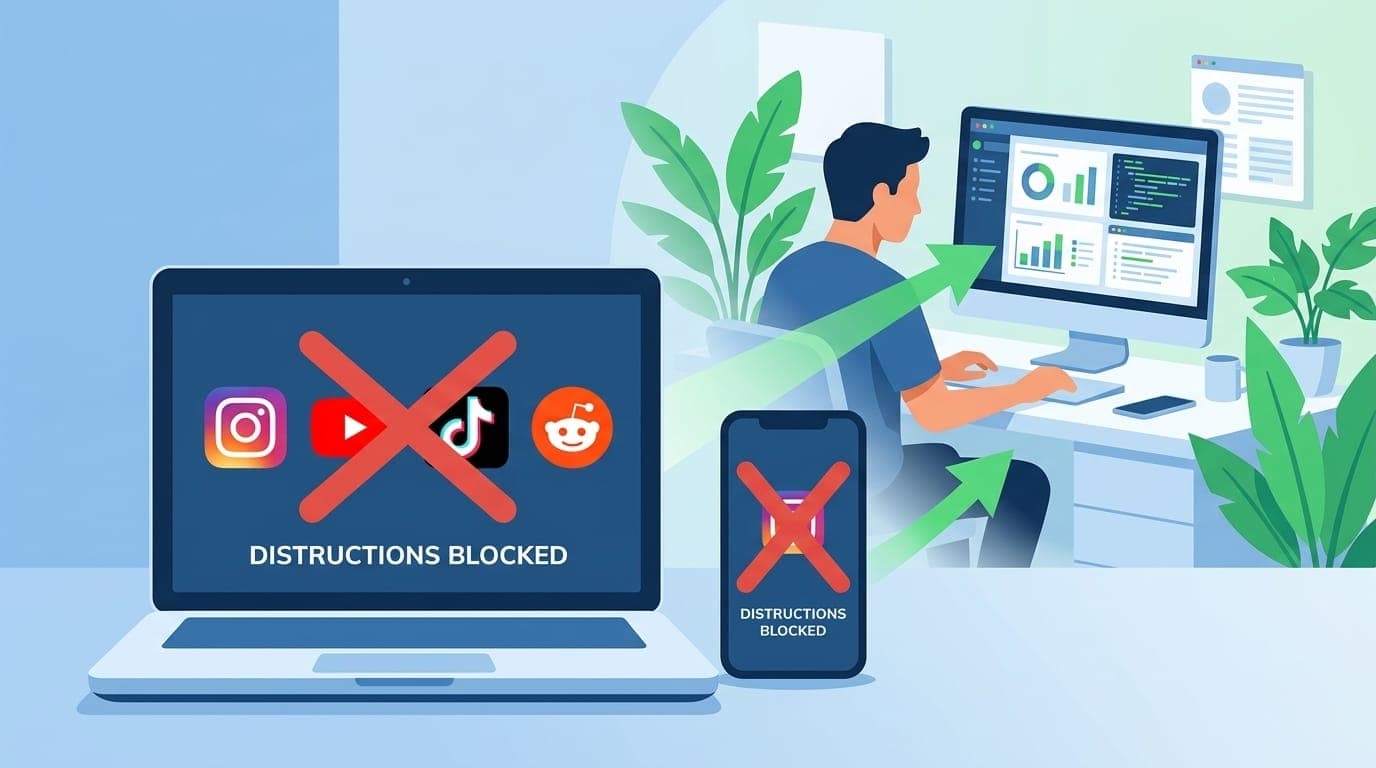
You don't need to spend $100/year to block Instagram and YouTube. Several powerful distraction blockers cost under $10 per month, and some of the most effective website blocker tools are completely free.
Key takeaways:
- Free tools like SelfControl (Mac) and LeechBlock (browser) handle basic website blocking without any cost
- LockIn MCP offers AI-native system-level blocking for $2.99/month with ChatGPT and Claude integration
- Cold Turkey provides lifetime desktop blocking for $45 (under $4/month if used for a year)
- Freedom costs $3.33/month annually and syncs blocks across all your devices
- Browser extensions work for casual blocking, but system-level tools prevent bypassing
Best Free Distraction Blockers
1. SelfControl (Mac Only), $0
SelfControl is a free, open-source Mac app that blocks websites at the system level. You set a timer (up to 24 hours), add sites to your blocklist, and hit start. Once active, you can't bypass it, even if you restart your computer or delete the app.
What you get:
- Completely free forever
- System-level blocking (can't bypass in any browser)
- Simple timer-based sessions
- Open source
Limitations:
- Mac only
- No app blocking
- No scheduling or recurring sessions
- No mobile support
Best for:Mac users who need nuclear-option website blocking and don't mind manually starting each session.
2. LeechBlock NG, $0
LeechBlock NG is a free browser extension for Chrome, Firefox, Edge, and other browsers. It supports up to 30 different block sets with independent schedules, time limits, and exceptions.
What you get:
- Free and unlimited
- Works across Chrome, Firefox, Edge, Brave, Opera
- Flexible scheduling (block Reddit 9-5 on weekdays, for example)
- Time quotas (allow 10 minutes per hour)
Limitations:
- Browser-level only (easy to bypass by switching browsers)
- No app blocking
- No mobile support
- Requires setup in each browser separately
Best for:People who need flexible scheduling and don't have severe self-control issues (since it's bypassable).
Best Distraction Blockers Under $10/Month
### 3. LockIn MCP, $2.99/Month
LockIn MCP turns AI assistants like ChatGPT, Claude, and Poke into productivity enforcers. It blocks distracting websites at the system level (via hosts file) and connects to your AI tools through MCP (Model Context Protocol), letting you start focus sessions, request temporary unblocks, and track your blocking history through natural language.
What you get:
- $2.99/month (or $29.99/year with free trial)
- System-level domain blocking on Mac, Windows, and Linux
- Native AI integration with ChatGPT, Claude, Poke, and other MCP clients
- Chrome extension for browser-level blocking
- One-line
npx -y lockin-mcp install - Dashboard for session tracking
Limitations:
- No mobile app blocking (desktop and browser only)
- Requires some technical comfort (command-line install)
- Newer product (less mature than Freedom or Cold Turkey)
Best for:Tech-savvy knowledge workers who already use AI assistants and want lightweight, AI-native focus enforcement. See our comparison with Freedom for more details.
4. Freedom, $3.33/Month (Billed Annually)
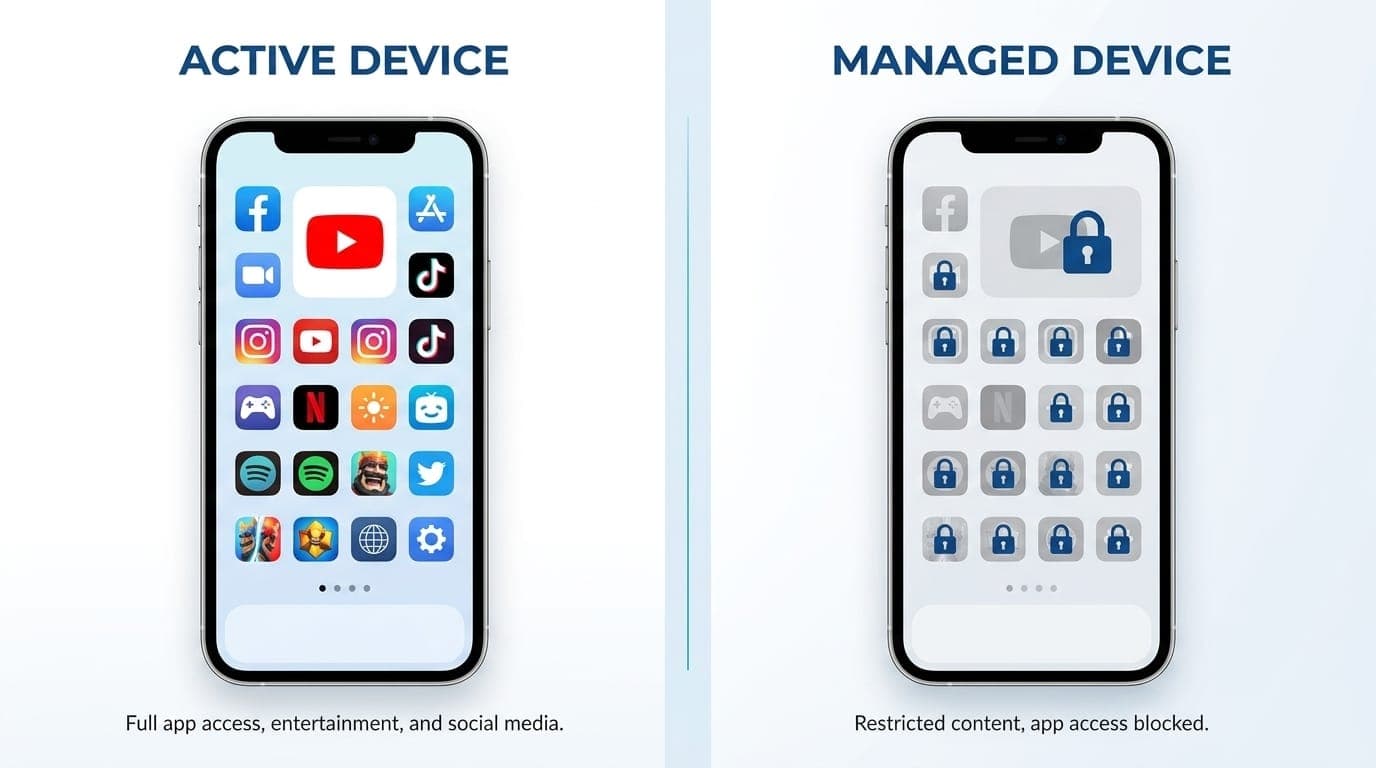
Freedom is the most popular cross-platform distraction blocker. It syncs blocking sessions across Mac, Windows, iOS, Android, and Chrome, so starting a session on your laptop automatically blocks distracting apps on your phone.
What you get:
- $3.33/month ($39.99/year) or $8.99/month
- Cross-device sync (one session blocks all devices)
- App and website blocking
- Scheduling and recurring sessions
- Locked mode (prevents quitting mid-session)
- Ambient focus sounds
Limitations:
- Annual plan required for the $3.33/month rate
- Monthly plan is $8.99 (over budget)
- Some users report occasional sync delays
Best for:People who need to block distractions across multiple devices at once. Freedom's cross-device sync is its killer feature. According to a Carnegie Mellon study, users saw 22% higher hourly earnings when using Freedom.
5. Cold Turkey Blocker Pro, $45 One-Time (Lifetime)
Cold Turkey is the nuclear option for desktop blocking. The free version blocks websites; the $45 Pro version adds application blocking, scheduled blocks, and unbreakable locks. Pay once, own forever on all your computers.
What you get:
- $45 lifetime license (under $4/month if used for a year)
- Desktop app blocking (not just websites)
- Scheduled and recurring blocks
- Frozen Turkey mode (unbreakable until timer expires)
- Works on Windows and Mac
- Free 7-day Pro trial included
Limitations:
- Desktop only (no mobile)
- No cross-device sync
- One-time payment (higher upfront cost)
Best for:People who need hardcore desktop enforcement and prefer a one-time payment. Cold Turkey is the toughest blocker on this list. Our detailed comparison breaks down when to choose Cold Turkey vs AI-native alternatives.
Comparison Table
| Tool | Price | Platforms | Blocking Type | Best Feature |
|---|---|---|---|---|
| SelfControl | Free | Mac | System-level websites | Unbypassable, free |
| LeechBlock NG | Free | Browser | Browser websites | Flexible scheduling |
| LockIn MCP | $2.99/mo | Mac, Windows, Linux, Chrome | System-level + AI | AI assistant integration |
| Freedom | $3.33/mo* | Mac, Windows, iOS, Android, Chrome | Apps + websites | Cross-device sync |
| Cold Turkey | $45 lifetime | Mac, Windows | Apps + websites | Lifetime license, hardcore locks |
*Annual billing required for $3.33/month rate
How to Choose the Right Distraction Blocker
If You're on Mac and Need Basic Blocking
Start with SelfControl. It's free, unbypassable, and handles the core use case (blocking social media and news sites during work sessions).
If You Use AI Assistants Daily
LockIn MCP is purpose-built for this. Instead of opening a separate blocking app, you tell ChatGPT or Claude to "block Reddit for 2 hours" and it happens at the system level. The AI integration removes friction from starting focus sessions.
If You Need Mobile + Desktop Blocking
Freedom is the only tool under $10/month that syncs blocks across phones, tablets, and computers. Start a session on your laptop and Instagram gets blocked on your iPhone automatically.
If You Want a Lifetime License
Cold Turkey Pro costs $45 once. If you'll use it for more than a year, it's cheaper than any subscription. The Frozen Turkey mode is also the most unbreakable lock on this list.
If You Just Need Browser Blocking
LeechBlock NG is free and surprisingly powerful. Set up block sets for different times of day (block news sites 9-5, social media after 10pm, etc.) and it runs silently in your browser.
What About Free Alternatives?
Most operating systems include basic blocking tools:
- Screen Time (iOS/Mac): Free, built-in, but easy to bypass with "Ignore Limit"
- Digital Wellbeing (Android): Free app timers, but not strict enforcement
- Windows Family Safety: Free, but designed for parental control (awkward for adults)
- Hosts file editing: Free system-level blocking, but manual and tedious
These work for casual use, but if you're reading this article, you probably need something stronger. The tools above add scheduling, locked modes, and cross-device sync that built-in options lack.

## Do Distraction Blockers Actually Work?
Yes, when used correctly. A Microsoft Research study found that participants were 20% more productive when using distraction-blocking software. A University of Waterloo study showed users completed 27% more tasks per hour with blocking tools active.
According to 2026 workplace distraction statistics, 79% of US workers get distracted within one hour of starting a task, and 59% cannot maintain focus for even 30 minutes without interruption. The average employee faces 15 interruptions per hour, costing the US economy an estimated $650 billion annually.
The key is pre-commitment. Schedule your blocks in advance (recurring 9-5 weekday sessions, for example) so you don't have to make the decision in the moment. Locked mode helps too, preventing you from quitting mid-session when willpower fades.
How We Evaluate and Test Distraction Blockers
We test each blocking app on multiple devices and operating systems over several weeks. Our evaluation criteria include:
- Blocking strength: Can you bypass it easily? System-level blockers score higher than browser extensions.
- Platform coverage: Does it work on your phone, laptop, and tablet?
- Ease of use: Can you set it up in under 5 minutes?
- Scheduling features: Can you automate recurring blocks?
- Price-to-value ratio: What do you get for the money?
- Reliability: Does it work consistently without crashes or sync failures?
We prioritize tools that help you stay focused without creating new sources of friction or complexity. The best distraction blocker is the one you'll actually use every day.
Tips for Getting the Most from Your Blocker
- Block at the category level, not site-by-site. Instead of blocking reddit.com, block all social media. You'll discover new time-wasters otherwise.
- Use recurring schedules. Set it once (block social media 9-5 on weekdays) and forget it. Automation beats willpower.
- Combine tools if needed. Use SelfControl on your Mac and Freedom on your phone. Most people need more than one device blocked.
- Start with shorter sessions. Try 25-minute Pomodoro blocks before committing to 4-hour deep work sessions. Build the habit first.
- Whitelist essential sites. If you need YouTube for work tutorials, allow youtube.com but block reddit.com and TikTok. Most tools support exceptions.
Why Most People Need More Than One Tool
Your phone and computer are separate attack vectors. Blocking Instagram on your laptop doesn't help if you pick up your phone every 5 minutes.
The ideal setup for most people:
- Desktop: System-level blocker (SelfControl, Cold Turkey, or LockIn MCP)
- Mobile: App blocker with scheduling (Freedom or built-in Screen Time with restrictions)
- Browser: Extension as backup (LeechBlock)
This creates multiple layers of friction. You'd need to bypass three separate tools to check Reddit, which is usually enough to break the habit loop.
What Makes Freedom Different from Other Focus Apps?
Freedom stands out for its cross-device synchronization. When you start a blocking session on your desktop, it automatically activates on your phone, tablet, and other devices. This prevents the common workaround of switching devices when you hit a block.
Freedom also offers ambient focus sounds and integrates with productivity workflows through scheduling. You can set recurring blocks (weekdays 9-5, for example) and forget about it. The app runs in the background and enforces your pre-committed focus time.
Unlike Apple Screen Time or Android Digital Wellbeing, Freedom's locked mode prevents you from disabling blocks mid-session. This extra layer of commitment helps when willpower fades.
Other Cool Features to Know About
Beyond basic blocking, modern distraction blockers include:
- Pomodoro timers: Built-in 25-minute work sessions with 5-minute breaks
- Website exceptions: Block all of YouTube except specific educational channels
- Break allowances: Allow 5 minutes of social media per hour
- Focus sounds: White noise, nature sounds, or productivity music
- Session statistics: Track how much time you've saved by blocking distractions
- Team features: Some tools offer company-wide licenses for remote teams
LockIn MCP's AI integration is particularly unique. You can ask your AI assistant "How long have I been blocking distractions this week?" and get session analytics through natural conversation.
Who Uses These Tools and Gets Results?
Distraction blockers are popular among:
- Students: Block social media during study sessions to improve grades
- Remote workers: Prevent Slack and email from interrupting deep work
- Writers and creators: Block research rabbit holes while drafting
- Developers: Stay focused during coding sessions
- People with ADHD: External structure when internal focus is difficult
Freedom reports that 96% of users said they were more productive, and 80% believe it made them a better contributor at work. Users gain an average of 2.5 hours of focused time per day when using the app consistently.
Getting Freedom for Your Company
If you want to roll out distraction blocking across your team, Freedom for Teams offers company-wide licenses with centralized billing and admin controls. Pricing starts at volume discounts for 5+ users.
For smaller teams or individual use, the standard $39.99/year plan works well. Each user manages their own blocklists and schedules, but you can share best practices and blocklist templates across your organization.
Frequently Asked Questions
What is the cheapest distraction blocker that actually works?
SelfControl (Mac) and LeechBlock (browser) are both free and effective for website blocking. For paid options, LockIn MCP at $2.99/month offers system-level blocking with AI integration, making it the cheapest paid option that can't be easily bypassed.
Can I block apps and websites together?
Yes. Freedom ($3.33/month annually) and Cold Turkey Pro ($45 lifetime) both block apps and websites on desktop. For mobile app blocking, you'll need Freedom's mobile apps or use built-in Screen Time (iOS) or Digital Wellbeing (Android).
What's the difference between browser extensions and system-level blockers?
Browser extensions like LeechBlock only work in that specific browser. You can bypass them by switching to Chrome, Firefox, Safari, or using a different device. System-level blockers like SelfControl, Cold Turkey, and LockIn MCP modify your computer's hosts file or use other OS-level techniques, making them much harder to bypass.
Do distraction blockers work on iPhone and Android?
Freedom works on both iOS and Android with app and website blocking. Most other tools on this list are desktop-only. For mobile-only blocking, consider built-in Screen Time (iOS) or Digital Wellbeing (Android), though they're easier to bypass than dedicated tools.
Can I temporarily unblock a site during a session?
It depends on the tool and settings. Freedom allows you to end sessions early unless you enable Locked Mode. Cold Turkey's Frozen Turkey mode is unbreakable until the timer expires. LockIn MCP lets you request temporary unblocks through your AI assistant, which adds accountability (you have to explain why you need access).
Is there a distraction blocker that works with ChatGPT or Claude?
Yes, LockIn MCP is built specifically for this. It connects to ChatGPT, Claude, Poke, and other AI assistants through MCP (Model Context Protocol), letting you control blocking through natural language. You can say "block social media for 3 hours" and it happens at the system level. See our guide on AI productivity for setup instructions.
How do I block TikTok, Instagram, and YouTube together?
Create a blocklist with all three sites/apps. In Freedom, Cold Turkey, or LockIn MCP, add:
Then start a session with that blocklist active. For mobile apps, you'll need Freedom's mobile app or use Screen Time (iOS) / Digital Wellbeing (Android) to block the apps themselves.
The Bottom Line
You don't need an expensive subscription to block distractions effectively. SelfControl and LeechBlock are free and work well for basic website blocking. If you need more features, LockIn MCP ($2.99/month) offers AI-native system-level blocking, Freedom ($3.33/month annually) provides cross-device sync, and Cold Turkey ($45 lifetime) gives you hardcore desktop enforcement with no recurring cost.
Start with a free tool to build the habit. If you find yourself bypassing it or needing mobile blocking, upgrade to a paid option. The best distraction blocker is the one you'll actually use consistently, and at under $10/month, cost shouldn't be the barrier to better focus and productivity.
For more on choosing the right tool for your workflow, check out our complete guide to distraction blockers or learn how to block websites on Windows. If you want to stay focused at work, see our workplace focus strategies.
