Blog
Best Apps for Maintaining Work Concentration in 2026
 Mil Hoornaert · 15 min read
The best apps for maintaining work concentration include system-level blockers like LockIn MCP and Freedom, Pomodoro timers like Forest, and ambient sound tools like Focus@Will. The average knowledge worker gets just 2-3 hours of deep focus per day, and only 39% of tracked work time is spent in genuine concentration. The right app depends on whether you need hardcore distraction blocking, structured time management, or environmental support.
Key takeaways:
- System-level blockers (Freedom, Cold Turkey, LockIn MCP) offer stronger enforcement than browser extensions
- Gamified timers (Forest, Focus To-Do) work well for building focus habits without feeling restrictive
- AI-integrated tools like LockIn MCP let you control blocking through ChatGPT, Claude, or Poke
- Ambient sound apps (Focus@Will, Endel) improve concentration through neuroscience-backed audio
- Most productive workers use 2-3 apps together: one for blocking, one for timing, one for environment
Why You Need a Focus App (The Data Doesn't Lie)
Workplace concentration is collapsing. Research shows that employees are interrupted every 3 minutes and 5 seconds on average, and it takes over 23 minutes to regain focus after each interruption. Even more alarming, 79% of workers get distracted within an hour of starting a task, with the average employee facing 15 interruptions per hour.
Meetings have doubled in frequency since 2022, and half of all meetings now occur during peak productivity hours (9-11 a.m. and 1-3 p.m.). Internet browsing leads workplace distractions at 47%, followed by social media at 45% and texting at 44%.
The cost is staggering. Interruptions cost roughly $1.7 million per year for a 100-employee organization, and U.S. employers lose between $483 billion and $605 billion annually from lost productivity. Gallup's 2026 report finds that only 20% of employees worldwide were engaged in 2025, costing the world economy $10 trillion in lost productivity.
Do focus apps really help you stay focused? Yes, when chosen correctly. Organizations that reduced meetings by 40% using focus tools saw productivity increase by 71%. Knowledge workers who achieve at least 3.5 hours of daily focus time consistently report being more productive and more satisfied than those with less. These productivity apps create the conditions for sustained attention.
Best System-Level Website Blockers
System-level blockers modify your device's hosts file or use background processes to block distracting sites across all browsers. They're harder to bypass than browser extensions, making them ideal for serious enforcement. Best system-level website blockers work at the operating system level, not just in one browser.
1. LockIn MCP, AI-Native Focus Enforcer
LockIn MCP stands out by letting you control distraction blocking through AI assistants like ChatGPT, Claude, Perplexity, or Poke. Instead of manually configuring blocklists, you tell your AI to "block social media for two hours" or "lock in YouTube until 5 p.m."
What makes it different:System-level blocking via hosts file plus an MCP server that connects directly to your AI tools. One-line npx installer for macOS, Linux, and Windows. No browser dependency, so blocks work everywhere.
Why I picked LockIn MCP:It's the only blocker that integrates natively with AI assistants. If you already use ChatGPT, Claude, or Poke for productivity, LockIn MCP turns them into focus enforcers without learning new software.
Best for:Developers and knowledge workers who already use AI assistants and want frictionless, voice-controlled focus sessions.
Pricing:Pro from $2.99/month or $29.99/year. Lifetime license available at $59.99.
Learn more about how LockIn MCP blocks distractions at the system level.
2. Freedom, Cross-Device Blocking Leader
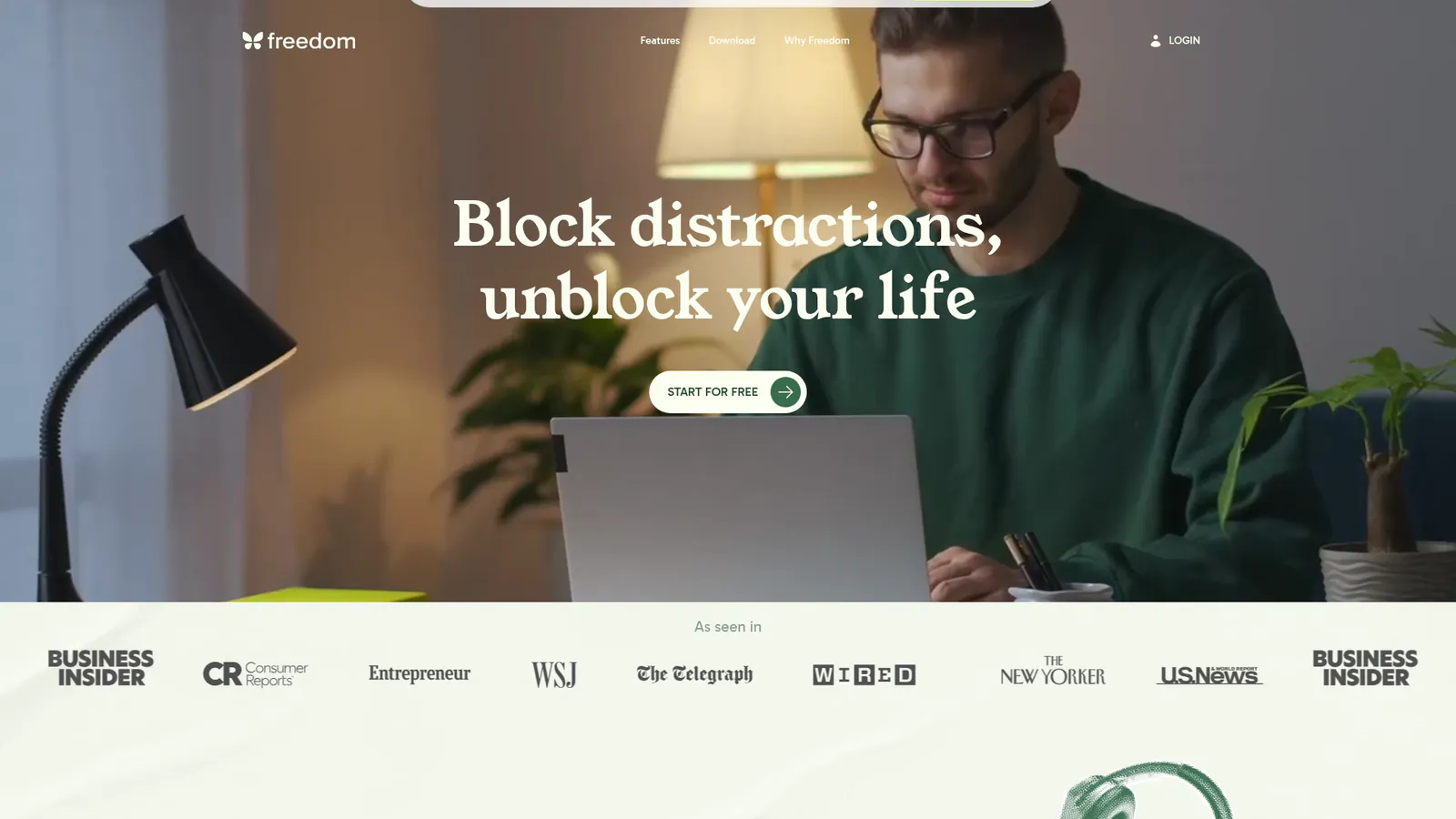
Freedom is the gold standard for cross-device distraction blocking. It works on Mac, Windows, iOS, Android, and Chrome, syncing your blocklists and schedules across all devices.
Why I picked Freedom:It offers the most comprehensive cross-platform coverage. If you work on multiple devices daily and need your blocking to follow you everywhere, Freedom delivers.
Best for:Teams and individuals who need blocking across multiple devices with recurring schedules.
Pricing: $8.99/month or $3.33/month annually ($39.99/year).
Pros:Locked mode prevents you from disabling blocks mid-session. Scheduling lets you automate focus sessions for the same time daily. Cross-device sync works seamlessly.
Cons:Higher price point. No AI integration. Desktop app can feel heavier than lightweight alternatives.
For a detailed comparison, see LockIn MCP vs Freedom.
3. Cold Turkey, Unbypassable Desktop Blocking
Cold Turkey is the most hardcore blocker available. Once a session starts, there's no override, even uninstalling the app won't help until the timer expires.
Best for:People who need nuclear-level enforcement and don't trust themselves to stick with gentler tools.
Pricing:Free version with basic blocking. Pro at $39 one-time.
Pros:Genuinely unbypassable. Blocks apps, websites, and even specific processes. Scheduling and timers.
Cons:Windows only. No mobile version. The extreme enforcement can backfire if you legitimately need access to something.
Read more: LockIn MCP vs Cold Turkey.
Best Pomodoro and Time-Blocking Apps
Time-based focus apps use structured work intervals (usually Pomodoro: 25 minutes on, 5 minutes off) to build sustainable concentration habits. Research published in PMC found that Pomodoro interventions consistently improved focus, reduced mental fatigue, and enhanced sustained task performance.
4. Forest, Gamified Focus Timer
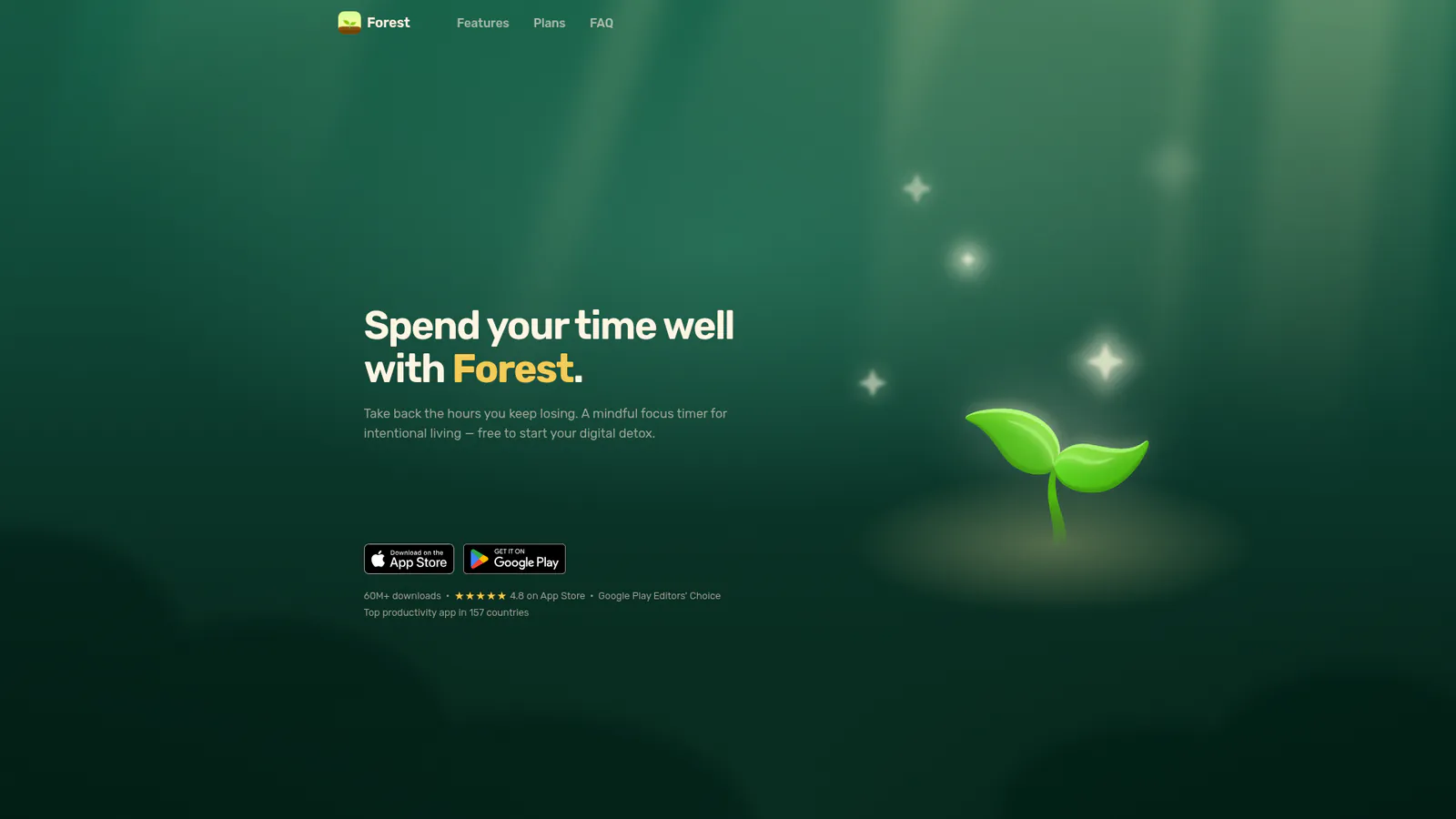
Forest turns focus sessions into a game. You plant a virtual tree when you start working, and it grows while you stay focused. Leave the app, and the tree dies. Over time, you grow an entire forest representing your cumulative focus hours.
Why I picked Forest:The gamification actually works. The visual metaphor of growing trees makes focus tangible, and the guilt of killing a tree is surprisingly effective at keeping you on task. Plus, they partner with Trees for the Future to plant real trees.
Best for:Visual learners and people motivated by streaks and achievements. Works particularly well for students.
Pricing:Free on Android with ads. $3.99 one-time on iOS.
Pros:Simple, beautiful, and motivating. Syncs across devices. Partners with Trees for the Future to plant real trees. Minimal setup.
Cons:Relies on willpower, you can still exit the app. No website blocking on desktop (mobile only blocks other apps).
5. Focus To-Do, Pomodoro + Task List
Focus To-Do combines a Pomodoro timer with a full task management system. You create a task list, estimate how many Pomodoros each task will take, then work through them. It's one of the most comprehensive productivity apps that combines time tracking with task management.
Best for:People who want task management and time-blocking in one tool.
Pricing:Free with premium features at $2.99/month.
Pros:Integrates task management with focus sessions. Tracks total Pomodoros completed. Includes white noise and ambient sounds. Cross-platform.
Cons:Busier interface than pure timers like Forest. No distraction blocking.
6. Session Pomodoro Timer
Session is a stripped-down Pomodoro timer for macOS with a clean menu bar interface. No accounts, no syncing, just a timer.
Best for:Mac users who want a lightweight, local timer without extra features.
Pricing:Free.
Pros:Native macOS design. Minimal resource usage. Keyboard shortcuts. Offline.
Cons: macOS only. No task tracking. No blocking features.
Best Ambient Sound and Environment Apps
Some people concentrate better with specific types of background audio. These apps provide neuroscience-backed soundscapes designed to improve focus.
7. Focus@Will, Neuroscience-Based Music
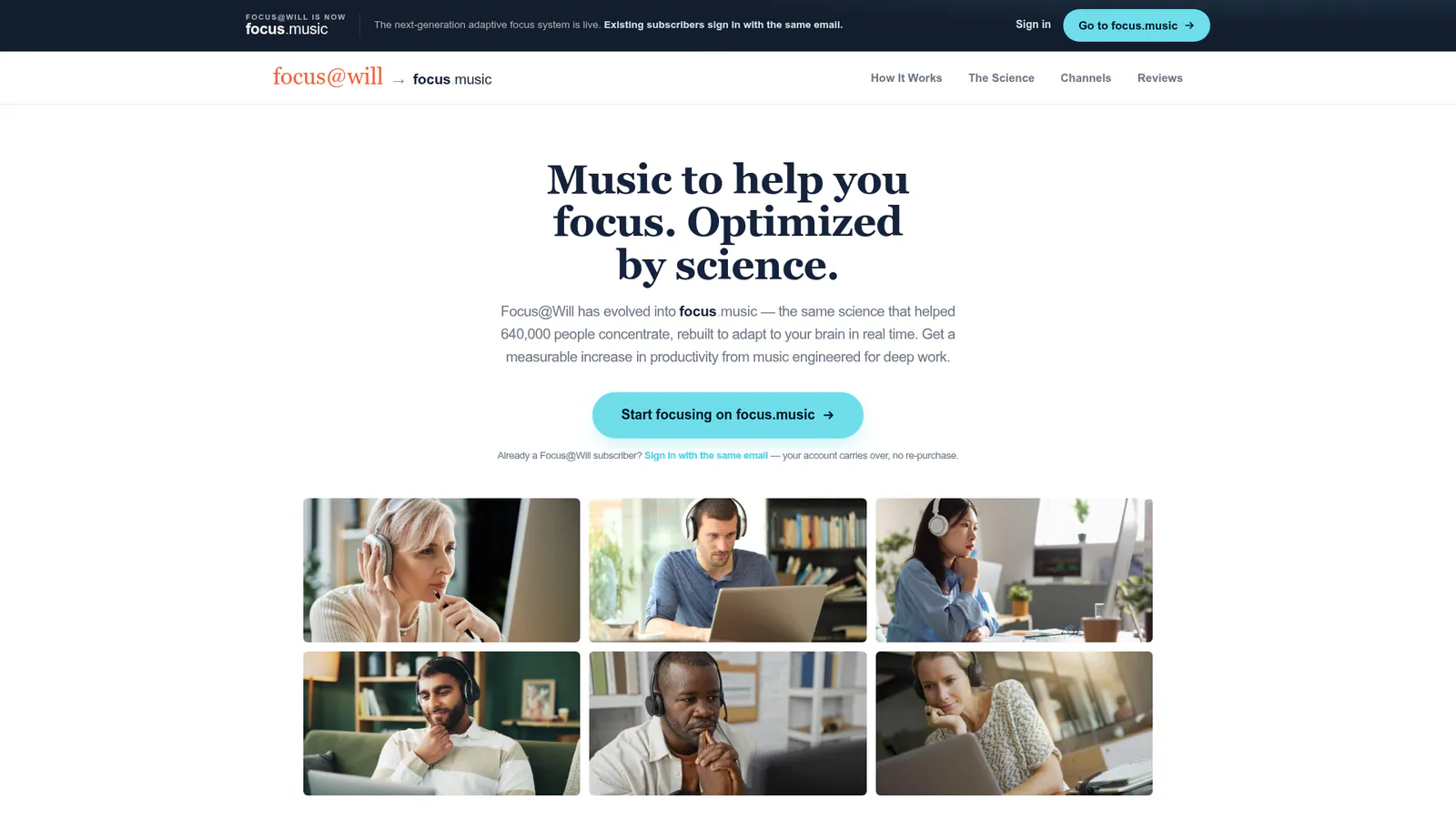
Focus@Will uses instrumental music tracks engineered to reduce distractions and increase sustained attention. The service claims to boost concentration by up to 400% based on their internal research.
Best for:People who find silence distracting but get pulled off-task by music with lyrics.
Pricing: $9.95/month or $52.50/year.
Pros:Tracks are specifically composed to aid concentration, not just playlists. Multiple genres (classical, ambient, up-tempo, nature). Session length customization.
Cons:Expensive compared to Spotify or YouTube. Music selection won't appeal to everyone.
8. Endel, Adaptive Soundscapes
Endel generates personalized soundscapes that adapt in real time to your environment, time of day, heart rate (if connected), and activity. It uses circadian rhythms and other inputs to create audio designed to support focus, relaxation, or sleep.
Best for:People who want dynamic, personalized ambient sound rather than static playlists.
Pricing:Free trial, then $4.99/month or $29.99/year.
Pros:AI-generated and adaptive. No repetition. Works offline. Integrates with Apple Watch.
Cons:Limited control over the soundscape compared to choosing specific tracks.
Best Browser-Based Focus Extensions
If you don't want to install system-level software, browser extensions offer lighter-weight blocking. They're easier to bypass, but still effective for casual use.
9. LeechBlock NG, Customizable Browser Blocker
LeechBlock NG is a free, open-source browser extension for Firefox and Chrome. You create custom blocklists with time-based rules (e.g., block Reddit from 9 a.m. to 5 p.m. on weekdays).
Why I picked LeechBlock NG:It's the most customizable free blocker available, and being open-source means your data stays private. The granular time-based rules let you match blocking to your actual work schedule.
Best for:People who want granular control over what gets blocked and when, without paying for software.
Pricing:Free.
Pros:Highly customizable. Open source. Works on multiple browsers. No account required.
Cons:Browser-only (won't block apps). Easy to bypass by switching browsers or disabling the extension.
10. StayFocusd, Chrome's Original Focus Extension
StayFocusd limits the amount of time you can spend on time-wasting websites. Once your allotted time is up, the sites you've blocked are inaccessible for the rest of the day.
Best for:Chrome users who want a simple daily time budget for distracting sites.
Pricing:Free.
Pros:Simple setup. "Nuclear Option" blocks the entire internet except a whitelist for a set period. Free forever.
Cons:Chrome only. Can be bypassed by using another browser or disabling the extension.
Why StayFree and one sec: StayFree and one sec are mobile-first alternatives that work on iOS and Android. StayFree tracks your phone usage and sets daily limits, while one sec adds a breathing exercise delay before opening distracting apps. Both help you stay focused on your phone, where blocked apps can be your biggest distraction.
Best for Habit Tracking and Accountability
Some apps focus less on blocking and more on building awareness and habits around your concentration patterns.
11. Habitify, Habit Tracker with Focus Templates
Habitify is a habit-tracking app that includes templates for focus sessions, deep work blocks, and daily productivity routines. You check off completed sessions and build streaks.
Best for:People who respond well to habit streaks and visual progress tracking.
Pricing:Free with premium at $4.99/month.
Pros:Beautiful interface. Syncs across iOS, Android, Mac, and web. Includes focus templates and widgets. Integrates with Apple Health and Google Calendar.
Cons:No blocking features. Relies entirely on self-reporting and willpower.
12. Focumon, Gamified Focus for Students
Focumon combines Pokemon-style creature collecting with focus sessions. You earn and evolve digital creatures by staying focused. It's similar to Forest but with a different gamification angle.
Why I picked Focumon:If Forest's tree metaphor doesn't resonate, Focumon's creature-collecting might. The Pokemon-inspired design appeals especially to younger users and students.
Best for:Students and younger workers who connect with gamification.
Pricing:Free with in-app purchases.
How to Choose the Right App for Your Workflow
Different apps serve different concentration problems:
If you can't stop checking social media mid-task:Use a system-level blocker like LockIn MCP, Freedom, or Cold Turkey. Browser extensions won't cut it, you'll just open a different browser.
If you lose track of time or work too long without breaks:Use a Pomodoro timer like Forest or Focus To-Do to structure your day into sustainable intervals.
If silence distracts you but music pulls your attention:Try ambient sound apps like Focus@Will or Endel that provide background audio engineered not to grab your focus.
If you're already using AI assistants (ChatGPT, Claude, Poke): LockIn MCP lets you control blocking through your existing workflow instead of learning a separate app.
If you need accountability and habit reinforcement:Habitify tracks your focus streaks and keeps you aware of how often you're hitting your concentration goals.
Most productive workers layer these tools. A typical stack: system-level blocker (LockIn MCP or Freedom) + Pomodoro timer (Forest) + ambient sound (Focus@Will). The blocker enforces boundaries, the timer structures your day, and the sound shapes your environment. You can keep different tools for different personal productivity needs.
What Happens If I Need to Access a Blocked Site During a Session?
Most blocking apps offer temporary unblocks with friction. LockIn MCP requires you to ask your AI assistant and explain why, creating accountability without making access impossible. Freedom has a "locked mode" that prevents all overrides. Cold Turkey doesn't allow any breaks once a session starts.
The best approach depends on your needs. If you're blocking sites you occasionally need for legitimate work (like YouTube for research), choose a tool with accountable unblocking. If you're blocking pure time-wasters (social media, news), nuclear enforcement works better.
Are Focus Apps Suitable for Teams or Just Individuals?
Most focus apps are built for individuals, but some support team features. Freedom offers team plans with centralized billing and reporting. LockIn MCP works well for remote teams using shared AI assistants. Tools like Todoist and Notion integrate focus sessions with collaborative task management.
For teams, the bigger challenge is culture. 68% of workers say they don't have enough uninterrupted focus time, and meetings are the primary culprit. Apps help, but organizational changes (no-meeting days, async-first communication with tools like Shift, protected focus blocks) deliver bigger gains.
Can Focus Apps Be Used Across Multiple Devices?
It depends on the app. Freedom syncs across Mac, Windows, iOS, Android, and Chrome. LockIn MCP works on macOS, Linux, and Windows with a Chrome extension for cross-device support. Forest syncs between iOS and Android but doesn't block on desktop.
Browser extensions like LeechBlock and StayFocusd only work in the browser where they're installed. For true multi-device enforcement, you need either a native app with sync (Freedom, LockIn MCP) or separate tools per platform.
Do Focus Apps Store or Share My Data?
Privacy policies vary. LockIn MCP blocks locally via your hosts file and doesn't track what you browse. Freedom collects usage data but doesn't sell it. Free browser extensions like LeechBlock don't require accounts and store settings locally.
If privacy matters, prioritize:
- Local blocking over cloud-based services
- Open-source tools (LeechBlock NG)
- Apps that don't require account creation
- Tools with transparent privacy policies
The Future: AI-Integrated Focus Tools
The next wave of concentration apps integrates with AI assistants. Instead of manually configuring blocklists and schedules, you describe your focus goals in natural language and let the AI enforce them.
LockIn MCP pioneered this approach, letting you tell ChatGPT, Claude, or Poke to "block Twitter until I finish this report" or "lock me into focus mode for the next two hours." The AI becomes your accountability partner, not just a passive timer.
This model works because it meets you where you already work. Instead of opening another app, switching contexts, and manually setting up rules, you stay in your AI assistant and issue commands. The friction drops to near zero, which means you're more likely to use it.
As AI assistants become central to knowledge work, expect more productivity apps to integrate this way. The best apps for maintaining work concentration won't be separate applications you have to remember to open, they'll be capabilities your AI can invoke on your behalf.
FAQ
Do focus apps really help you stay focused?
Yes, when chosen correctly. Research shows that reducing meetings by 40% using focus tools increased productivity by 71%, and knowledge workers who achieve at least 3.5 hours of daily focus time report significantly higher satisfaction and output. Pomodoro interventions consistently improved focus, reduced mental fatigue, and enhanced sustained task performance. The key is matching the tool to the problem: system-level blockers for serious distractions, timers for time management, and ambient sound for environment.
What's the difference between system-level blockers and browser extensions?
System-level blockers (LockIn MCP, Freedom, Cold Turkey) modify your device's hosts file or use background processes to block sites across all browsers and apps. Browser extensions (LeechBlock, StayFocusd) only work in one browser and can be bypassed by switching browsers or disabling the extension. For serious enforcement, system-level tools are stronger because blocked apps and sites stay blocked regardless of which browser you use.
Can I use multiple focus apps together?
Yes, and most productive workers do. A typical stack combines a system-level blocker (enforces boundaries), a Pomodoro timer (structures work intervals), and an ambient sound app (shapes the environment). The tools serve different functions and don't conflict with each other. You might use Freedom to block social media, Forest to stay focused during 25-minute work sessions, and Focus@Will for background music.
How do I know which focus app is right for me?
Start by identifying your biggest concentration problem. If you can't stop checking distracting sites, use a system-level blocker. If you work too long without breaks or lose track of time, use a Pomodoro timer. If you already use AI assistants, try LockIn MCP for AI-controlled blocking. Most people need 2-3 tools working together to stay focused effectively.
Are paid focus apps worth it compared to free options?
It depends on your needs. Free tools like Forest (Android), LeechBlock, and Session work well for basic use. Paid tools like Freedom ($3.33/month) and LockIn MCP (from $2.99/month) offer stronger enforcement, cross-device sync, and better features. If focus problems are costing you hours daily, a $3-10/month tool pays for itself immediately. For casual use, start free and upgrade if you need more features.
Will using a focus app make me more productive?
Focus apps create the conditions for productivity, but they don't replace the work itself. If your focus problem is external (constant interruptions, poorly structured tasks, too many meetings), tools help significantly. If the problem is internal (unclear goals, lack of motivation, burnout), tools alone won't fix it. That said, 68% of workers say they don't have enough uninterrupted focus time, so for most people, removing distractions with productivity apps delivers real gains.
How do focus apps handle scheduled breaks?
Most Pomodoro apps (Forest, Focus To-Do, Session) include automatic break timers. After a 25-minute work session, the app prompts you to take a 5-minute break. After four sessions, you get a longer break (15-30 minutes). Research comparing Pomodoro breaks and self-regulated breaks found that structured intervals helped reduce mental fatigue. System-level blockers like Freedom and LockIn MCP let you schedule focus sessions with specific start and end times, but don't enforce breaks, you need to combine them with a timer for structured rest.
