Blog
Best Alternative to Freedom: Top Distraction Blockers for 2026
Freedom costs $40/year for cross-device sync you may not need. Compare LockIn MCP, Cold Turkey, Intently, and budget alternatives for desktop-focused and AI-native workflows.
 Mil Hoornaert · 15 min read
Freedom works, but you don't need to pay $40-100/year for cross-device sync if you mainly work on desktop. The best alternative to Freedom depends on your workflow: LockIn MCP turns your AI assistant into a system-level blocker for $2.99/month, Cold Turkey offers unbypassable desktop blocking for $39 one-time, and Intently uses mindful interventions for free on Android and Chrome.
Key Takeaways
- Freedom costs $39.99/year or $99.50 lifetime, expensive if you only need desktop blocking
- System-level blockers (LockIn MCP, Cold Turkey) are harder to bypass than browser extensions
- AI-integrated tools like LockIn MCP let ChatGPT, Claude, or Poke enforce focus sessions
- Desktop-only users save money with one-time purchases instead of subscriptions
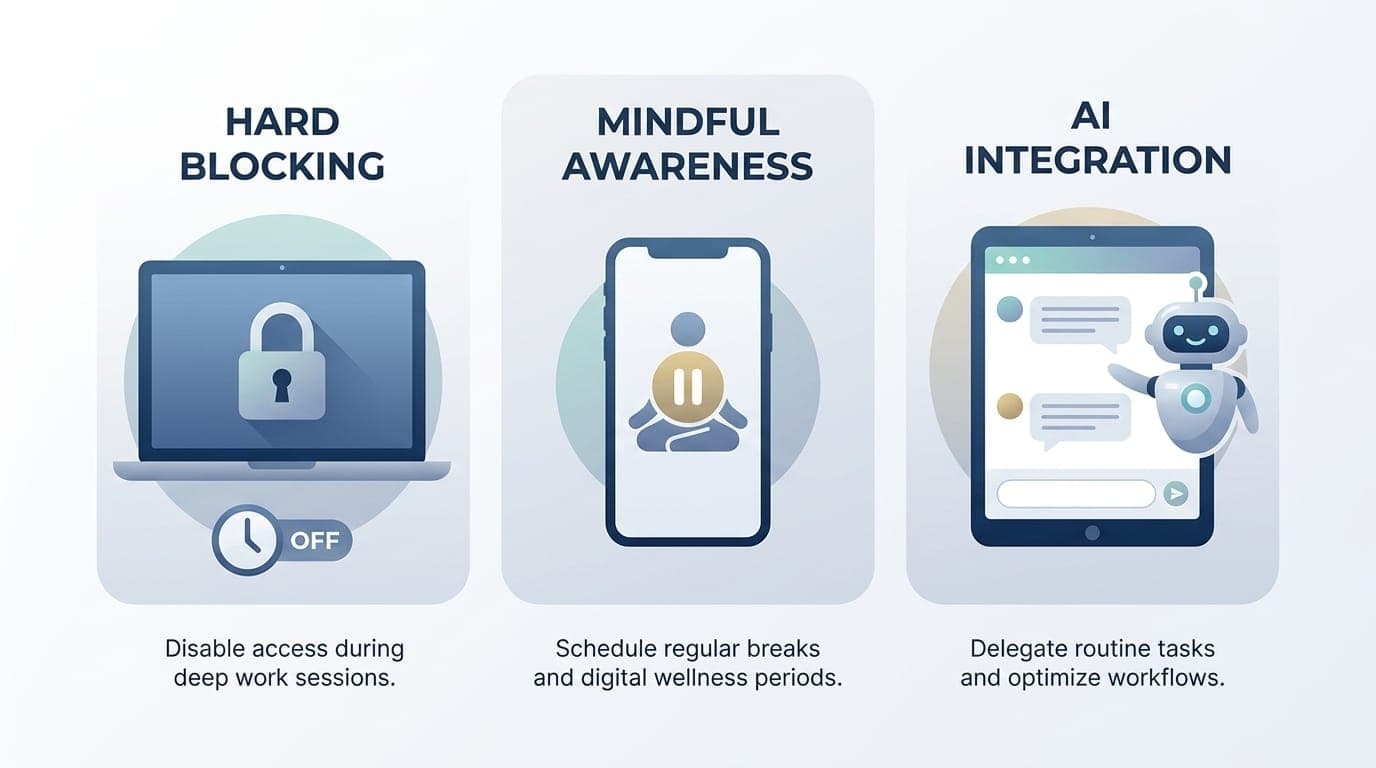
- The best alternative depends on whether you want hard blocking, mindful awareness, or AI integration
Why Look Beyond Freedom?
Freedom has earned its reputation as a solid distraction blocker with cross-platform sync. According to their 2024 user survey, over 2 million people use Freedom to block distracting websites and apps. But several limitations push users toward alternatives.
Pricing doesn't fit desktop-only workflows.Freedom's strength is blocking across Windows, Mac, iOS, Android, and Chrome simultaneously. That cross-device sync costs $39.99/year or $99.50 for lifetime access. If you primarily work on one desktop machine, you're paying for features you don't use. Desktop-focused alternatives offer one-time pricing or lower subscriptions.
Proxy-based blocking creates friction.Freedom uses a local proxy plus browser extensions to filter traffic. This architecture works but requires an active internet connection and can conflict with VPNs, corporate networks, or other proxy-based tools. Users report occasional connection issues and the need to reconfigure settings after system updates.
Limited AI integration.Freedom doesn't connect with the AI assistants many knowledge workers already use daily. According to a 2025 McKinsey survey, 65% of knowledge workers now use AI tools regularly. If you're asking ChatGPT to plan your day or Claude to manage tasks, you can't hand off enforcement to that same assistant. AI-native alternatives close this gap.
One-size-fits-all blocking philosophy.Freedom focuses on hard blocking, websites and apps become completely unavailable during sessions. This works for some people, but research from the Max Planck Institute shows habit change requires internal awareness, not just external restrictions. Others find their habits snap back once blocks lift because nothing changed internally. Alternative tools offer different approaches: mindful friction, gamification, or AI-guided accountability.
The right alternative to Freedom matches your actual use case rather than offering everything to everyone.
Best Alternative for AI-Integrated Focus: LockIn MCP
Platform: macOS, Linux, Windows | Price: Free basic, Pro from $2.99/month | Rating: 4.5/5
LockIn MCP takes a fundamentally different approach: it turns your existing AI assistant into a productivity enforcer. Instead of learning another app, you tell ChatGPT, Claude, Perplexity, Gemini, or Poke to block distractions, and the system actually does it.
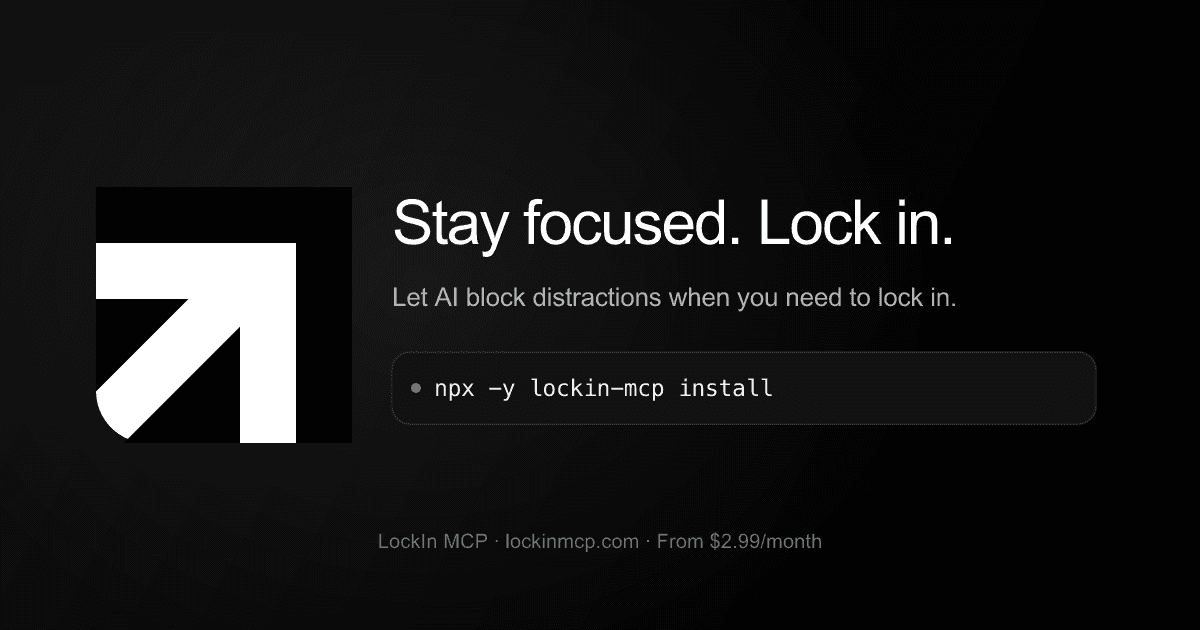
How it works.LockIn MCP installs with one command (npx -y lockin-mcp install) and runs as a background MCP server plus Chrome extension. It blocks distracting sites at the system level by modifying your hosts file), making bypasses harder than browser-extension blockers. When you connect your AI assistant (via OAuth dashboard or CLI), that assistant gains the ability to start focus sessions, block specific domains, and handle temporary unblock requests with accountability.
The workflow fits existing habits. You're already asking your AI to plan tasks, draft emails, or troubleshoot code. Now you can also say "lock in for 2 hours, block Reddit and Twitter" and the enforcement happens system-wide across all browsers.
Key strengths:
- System-level blocking via hosts file, works across Chrome, Firefox, Safari, Edge without per-browser setup
- Native MCP integration with Claude Desktop, ChatGPT, Poke, Cursor, and other MCP clients
- One-line install that doesn't require manual configuration
- Accountability layer for unblock requests, your AI asks why you need access before granting it
- Cross-platform desktop support (macOS, Linux, Windows)
- Low friction pricing: free trial, then $2.99/month or $29.99/year
LockIn MCP is the best alternative to Freedom if you already use AI assistants for productivity and want enforcement integrated into that workflow. It removes the context-switching cost of opening a separate blocking app.
The trade-off: LockIn MCP is desktop-focused and doesn't currently include mobile apps. If you need phone blocking, pair it with a mobile-focused tool or consider a different alternative.
Rating:4.5/5, Excellent for AI-native workflows, though mobile support would make it perfect.
Learn more about how LockIn MCP works
Best for Hardcore Desktop Blocking: Cold Turkey
Platform:Windows, macOS | Price: Free basic, Pro $39 one-time | Rating: 4.5/5
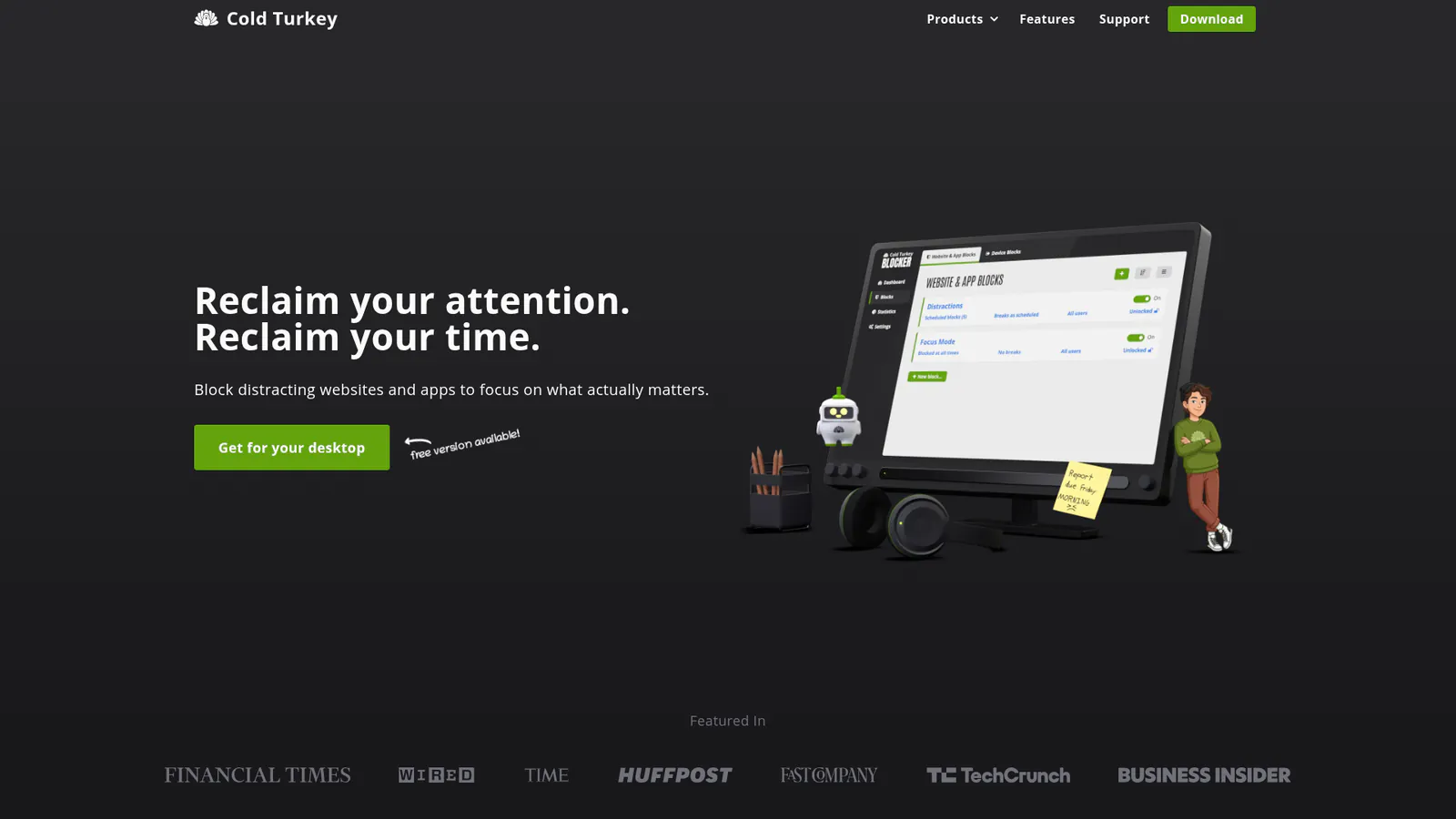
Cold Turkey is the gold standard for unbypassable desktop blocking. When you set a block, it locks down. Hard.
Frozen Turkey mode can disable your entire computer until the timer expires. Even restarting won't bypass an active block. This isn't for casual users, Cold Turkey takes you seriously when you say you need focus, possibly more seriously than you intended.
The scheduling system is genuinely powerful: recurring blocks, break periods, category-based grouping, and exception lists. You can block websites by domain, keywords, or specific URLs, and you can block desktop applications by name. Everything runs locally without requiring a cloud account or internet connection once installed.
Why it beats Freedom for desktop users:
- One-time $39 payment vs. Freedom's $40/year subscription
- Stronger tamper resistance, blocks persist through restarts and safe mode
- Works offline by default
- No proxy configuration or VPN conflicts
- More granular scheduling options
The catch:Cold Turkey is desktop-only. No mobile apps, no phone blocking, no cross-device sync. If your distraction problem lives on your phone, Cold Turkey won't help. And the aggressive blocking can genuinely interfere with work if misconfigured — there's no emergency bypass.
Cold Turkey is the best alternative to Freedom for desktop-focused users who want maximum enforcement at a fair one-time price. It's not flexible or forgiving, which is exactly the point.
Rating:4.5/5, The strongest desktop blocker available, held back only by lack of mobile support.
Compare LockIn MCP vs Cold Turkey
Best for Mindful Awareness: Intently
Platform:Android, Chrome | Price: Free | Rating: 4/5
Intently flips the script: instead of blocking apps, it creates mindful pause moments when you try to open distracting apps. You see a full-screen reminder, reflect for a few seconds, then decide whether to continue.
The philosophy: if you build internal awareness, the change sticks even when the app isn't running. Hard blocking doesn't teach that. This approach is backed by behavioral psychology research showing that mindful interventions create lasting habit change.
What makes Intently worth considering:
- Usage tracking with daily, weekly, and monthly breakdowns
- Streak system to maintain motivation
- 100% offline, no account, no cloud sync, zero data collection
- Completely free with no ads or premium tiers
- Chrome extension covers desktop browsing
Intently works best for people who've used blocking tools and noticed their habits bounce back immediately after blocks end. The mindful intervention creates a moment of choice instead of an external restriction.
Limitations:No iOS version yet (in development), and no hard blocking. If you genuinely need something that prevents access, Intently won't do that. It's designed for people who want to stop needing that level of enforcement.
This is the best alternative to Freedom if you're willing to trade immediate enforcement for long-term habit change. Many users find mindful friction more sustainable than blocking, especially when combined with a desktop-focused blocker for high-stakes work sessions.
Rating:4/5, Excellent free option for sustainable focus, though iOS users will need to wait.
Best Budget Alternatives to Freedom
If pricing is the main issue with Freedom, several free or low-cost tools cover most use cases.
LeechBlock NG (Free)
LeechBlock NG is a free browser extension with surprisingly powerful time-based blocking. Set rules like "block Reddit after 15 minutes per day" or "block social media 9am-5pm weekdays." It works in Firefox, Chrome, Edge, and other Chromium browsers.
The catch: it only blocks within the browser where it's installed. You can bypass it by switching browsers or using apps. But for browser-based distractions, it's effective and costs nothing.
Rating:3.5/5, Solid free browser blocker, limited by browser-only scope.
ScreenZen (Free)
ScreenZen adds short delays (5-30 seconds) before distracting apps open on Android or iOS. Nothing gets blocked, you just have to wait. That friction makes impulsive opens feel not worth the effort.
It's completely free, dead simple to set up, and works on both major mobile platforms. The trade-offs: minimal analytics, no gamification, and some users report zoning out during the countdown over time.
Rating:3.5/5, Good free mobile friction tool.
Google Digital Wellbeing (Free, built-in)
Already on Android phones. Offers basic app timers, Focus Mode, and usage dashboards with zero setup. The limits are trivially easy to bypass with a single tap, but as a free baseline that requires no effort, it has its place.
Rating:3/5, Acceptable starting point, too easy to bypass for serious focus work.
Forest ($2-4 one-time)
Forest gamifies focus sessions: start a timer and a virtual tree grows while you stay off your phone. Leave early and the tree dies. Coins earned fund real tree planting through Trees for the Future, which is a genuinely great touch.
At $2-4 one-time, it's an impulse buy. The gamification is motivating for a while, though novelty fades. Forest only covers dedicated focus sessions, it won't help with always-on browsing or app-checking outside those windows.
Rating:3.5/5, Fun gamified approach for focus sessions.
Building a free multi-device setup:
- Desktop browsing: LeechBlock NG (free) or Intently Chrome extension (free)
- Android phone: Intently (free) or ScreenZen (free)
- iOS phone: ScreenZen (free)
- Hardcore desktop apps: Cold Turkey ($39 one-time)
Total cost: $0-39 instead of Freedom's $40+/year. The trade-off is no centralized dashboard, but most users find that acceptable.
Comparison Table: Freedom Alternatives
| Tool | Platforms | Blocking Type | Pricing | Best For | Rating |
|---|---|---|---|---|---|
| LockIn MCP | Win/Mac/Linux | System-level | From $2.99/mo | AI-integrated focus enforcement | 4.5/5 |
| Cold Turkey | Win/Mac | Desktop | $39 one-time | Unbypassable desktop blocking | 4.5/5 |
| Intently | Android/Chrome | Mindful friction | Free | Sustainable habit change | 4/5 |
| FocusMe | Win/Mac/Linux/Android | Desktop + mobile | $119/yr or $359 lifetime | Detailed scheduling & tracking | 4/5 |
| LeechBlock NG | Browser | Browser extension | Free | Budget browser blocking | 3.5/5 |
| ScreenZen | iOS/Android | Delay-based | Free | Simple mobile friction | 3.5/5 |
| Opal | iOS | Mobile | $99/yr | iOS-only blocking | 3.5/5 |
| Forest | iOS/Android/Chrome | Gamified | $2-4 one-time | Focus session motivation | 3.5/5 |
| Freedom | Win/Mac/iOS/Android/Chrome | Cross-device | $40/yr or $100 lifetime | Multi-device sync | 4/5 |
Which Alternative Fits Your Workflow?
The best alternative to Freedom depends on what you actually need.
Choose LockIn MCP if:
- You already use ChatGPT, Claude, Poke, or other AI assistants daily
- You want system-level blocking that works across all browsers
- You prefer integrated workflows over separate apps
- You work primarily on desktop (macOS, Linux, or Windows)
- You want to block distractions without learning another tool interface
Choose Cold Turkey if:
- You need the strongest possible desktop blocker
- You prefer one-time pricing over subscriptions
- Your main distractions are browser-based websites (Reddit, YouTube, news sites)
- You don't need mobile blocking
- You value offline capability
Choose Intently if:
- You've used blockers before and habits bounced back
- You want to build lasting behavior change, not just temporary enforcement
- You value privacy (100% offline, no data collection)
- You're on Android or use Chrome on desktop
- You want a free tool with no limitations
Choose a budget option if:
- You're experimenting and don't want to commit financially
- Your blocking needs are light or browser-only
- You respond well to gamification (Forest)
- You need basic mobile app timers (ScreenZen, Digital Wellbeing)
Stick with Freedom if:
- You genuinely need blocking across phone, tablet, and multiple computers simultaneously
- The centralized dashboard and cross-device sync are worth the subscription cost
- You're already locked into Freedom's ecosystem and it works for you
- Your team uses Freedom for shared accountability
For most desktop-focused users, Freedom is overkill. You'll get better value and stronger enforcement from specialized alternatives.
FAQ
Does Freedom work on Chromebooks?
Freedom has a Chrome extension that provides basic blocking on Chromebooks, but support is limited compared to full desktop platforms. LockIn MCP's Chrome extension also works on Chromebooks and offers system-level blocking on supported configurations. For Chromebook-specific blocking, browser extensions like LeechBlock NG provide better native support.
Why do habits come back after stopping blocking apps?
Blocking creates an external restriction without building internal motivation. When the block ends, or you switch to an unblocked device, the automatic behavior is still there, unchanged. Research from behavioral scientists shows habit change requires awareness and intentional practice, not just removal of temptation. That's why some people find awareness-based tools like Intently more sustainable: the self-awareness persists even when the tool isn't running.
How do I cancel my Freedom subscription?
Log into your Freedom account, go to Account Settings, and cancel from there. Subscriptions remain active until the current billing period ends. After canceling, try a free alternative like Intently or LeechBlock NG to maintain your focus practice without ongoing costs.
What makes Freedom different from other focus and screen time apps?
Freedom's main differentiator is cross-device sync, one dashboard controlling blocking across Windows, Mac, iOS, Android, and Chrome simultaneously. That's valuable if you need it. But if you mainly work on one desktop machine, specialized alternatives offer stronger blocking or AI integration at lower cost. Freedom also offers Locked Mode that prevents changing settings during sessions.
How much does Freedom cost?
Freedom costs $39.99/year for the annual plan or $99.50 for lifetime access. That pricing makes sense for users who need multi-device sync but feels expensive for desktop-only users compared to alternatives like Cold Turkey ($39 one-time) or LockIn MCP ($2.99/month). Team plans start at higher price points for workplace deployment.
Does Freedom block both apps and websites?
Yes, Freedom blocks both websites and desktop applications on Mac and Windows. Mobile versions block apps on iOS and Android. However, app blocking on desktop requires local software installation and can be bypassed by determined users more easily than system-level alternatives like Cold Turkey or LockIn MCP. Freedom blocks websites using its proxy architecture.
What are some other cool Freedom features I should know about?
Freedom offers Locked Mode (prevents changing settings during sessions), scheduled recurring blocks, and ambient sound features. Sessions can be started manually or scheduled in advance. The cross-platform sync is the core feature, everything else is secondary to that centralized control. Freedom also integrates with productivity tools like Jira and Trello for team workflows.
Why should I believe you? Who else uses Freedom and gets these results?
Freedom markets itself to writers, developers, and knowledge workers. User testimonials cite improved focus and reduced social media time. However, independent verification of effectiveness is limited. The best way to evaluate any productivity tool is a free trial, which most alternatives offer, including LockIn MCP's free tier. The productivity tools community on Reddit provides unbiased user reviews.
How can I get Freedom for everyone in my company?
Freedom offers team plans for workplace deployment. However, for developer teams already using AI assistants, LockIn MCP integrates more naturally into existing workflows and offers lower per-seat pricing for organizations. Team features allow shared focus sessions and group accountability.
What to Look for in a Freedom Alternative?
Consider these factors:
- Blocking method: System-level (hosts file) vs. browser extension vs. proxy
- Platform support: Desktop-only or cross-device
- Tamper resistance: How hard is it to bypass?
- Pricing model: Subscription vs. one-time vs. free
- Integration: Standalone app vs. AI-integrated
- Philosophy: Hard blocking vs. mindful friction vs. gamification
- Team features: Solo use vs. workplace deployment
The right alternative matches your specific workflow, not Freedom's feature list.
Does Freedom Work Offline?
Freedom uses a local proxy that requires an internet connection for initial setup and syncing. Once configured, basic blocking continues offline, but some features (like updating block lists or syncing across devices) need connectivity. Desktop-focused alternatives like Cold Turkey and LockIn MCP work fully offline by default after installation.
Lock In With the Right Tool
Freedom pioneered cross-device distraction blocking, but you don't need to pay for features you won't use. Desktop-focused users get better value from specialized alternatives: LockIn MCP for AI-integrated enforcement, Cold Turkey for maximum desktop blocking, or Intently for sustainable habit change.
The best alternative to Freedom is the one that fits your actual workflow, not the one with the longest feature list.
If you work primarily on desktop and already use AI assistants for productivity, try LockIn MCP's free tier. Install takes one command, and your AI can start enforcing focus sessions immediately. For less than a coffee per month, your assistant becomes your accountability partner.
Explore more productivity strategies and tool comparisons to find the focus system that works for your workflow.
