Blog
How to block all distractions: a layered system that holds
Single-layer blockers fail when motivation spikes. Build a three-layer distraction defense: system-level hosts blocking, task-aware browser filtering, and AI accountability.
 Mil Hoornaert · 12 min read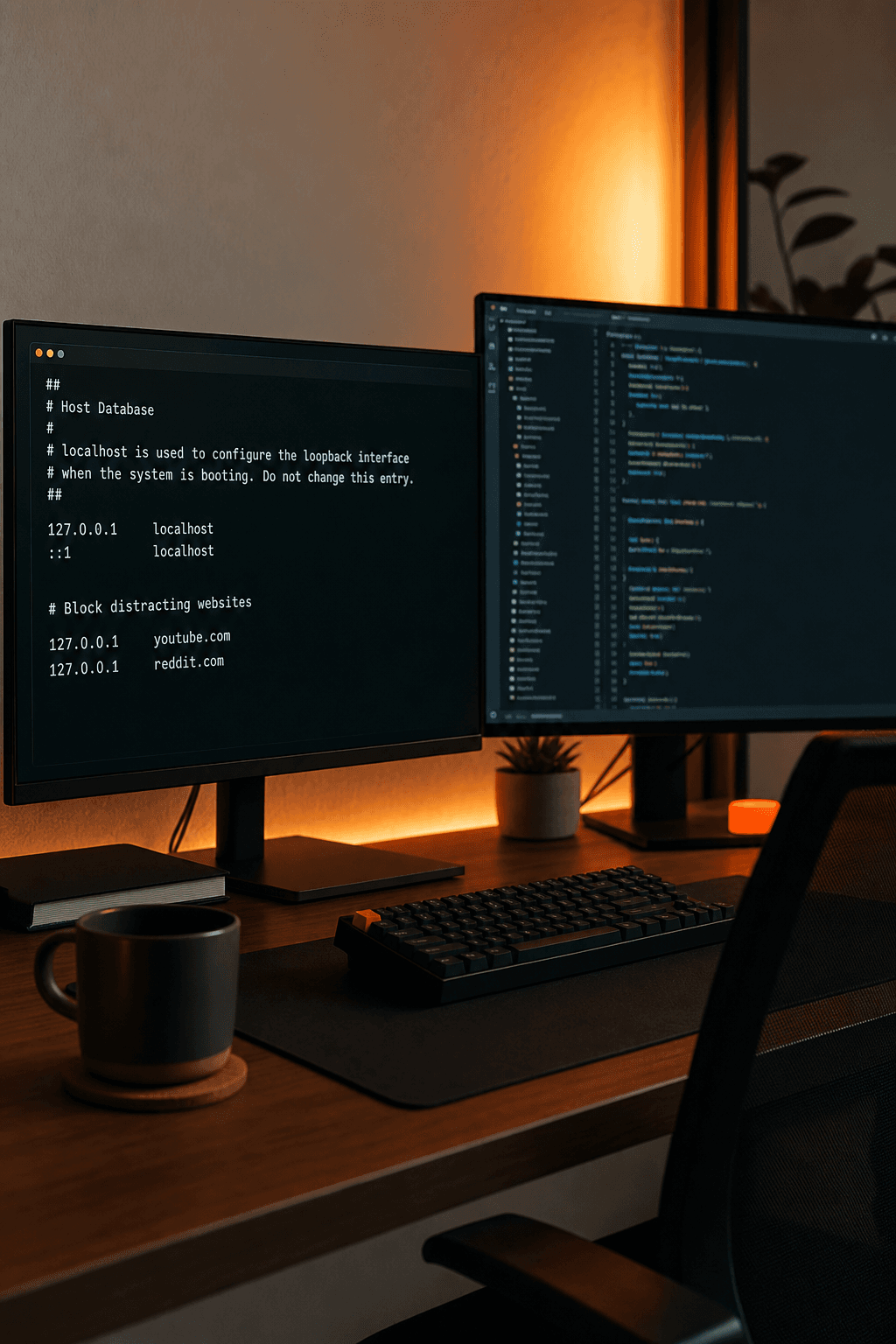
You blocked Twitter with a Chrome extension on Monday. By Wednesday you were reading it in Firefox, then in an incognito window, then with the extension uninstalled entirely. Each workaround took less than a minute.
That is not a failure of discipline. It is a failure of architecture. Single-layer blocking has a single point of failure — and when motivation spikes, you will find it.
The fix is not one stronger blocker. It is layering enforcement so there is no casual exit route left.
Why single-layer blocking fails
A browser extension lives inside one browser. Its entire enforcement surface is:
- The extension's own process
- The browser profile where it is installed
Disable it from the toolbar. Open incognito (if the extension is not enabled there). Switch to Safari. Use a secondary Chrome profile without the extension. Done — the block is gone in seconds.
This is not a flaw in any specific product. It is a structural limit of anything that only operates inside the browser chrome. No amount of "strict mode" inside an extension changes the fact that you control the browser.
Phone-only blockers have a parallel limit: they do not touch your desktop browser, where most knowledge work happens.
The three layers that close the gaps
Effective distraction defense stacks three layers. Each closes bypass routes the previous layer leaves open.
Layer 1: System-level blocking
Edit your system's hosts file to redirect distracting domains — reddit.com, youtube.com, x.com — to 127.0.0.1. This blocks them across every browser on the machine, not just the one with an extension installed.
Undoing a hosts-file edit requires opening a terminal and modifying a system file with admin permissions. That is real friction compared to a toolbar toggle.
Tradeoff: system-level blocking is blunt. It does not know whether you need YouTube for a work tutorial or for passive scrolling. That is what Layer 2 addresses.
For tool options at this layer, see best system-level website blockers in 2026.
Layer 2: Task-aware browser filtering
A static blocklist treats every visit to a domain the same. A Chrome extension that checks whether the current page relates to your active focus task handles context:
- Block Reddit entirely during a writing session
- Allow a specific documentation page on a partially blocked domain during a research task
- Catch in-page distractions (feeds, recommendations) that domain-level blocking misses
Layers 1 and 2 are complementary. Domain blocking stops the impulse navigation. Task-aware filtering handles the gray area without requiring you to manually reconfigure lists every time your work changes.
Layer 3: AI-initiated enforcement and accountability
Most tools stop at Layer 1 or 2. Layer 3 is what makes the system stick day after day.
If you already work inside Claude, ChatGPT, Perplexity, Gemini, or Poke, that assistant can:
- Know what you are working on right now
- Trigger blocking automatically when you state a focus task
- Manage the unblock path: time-boxed, logged exceptions instead of silent overrides
You do not open a separate app. You do not configure a schedule that does not match today's actual work. You tell the assistant what you need, and enforcement follows.
This is the AI productivity distraction blocking model — and it addresses the activation problem that kills most blocker habits.
Setting up a layered system: five steps
- Audit your distraction list. Be specific. Not "social media" — the actual domains you reach for when work stalls:
reddit.com,news.ycombinator.com,youtube.com,x.com. Check your browser history for a week if you are unsure.
- Install system-level blocking. Do not rely on a browser extension alone. Either configure hosts-file blocking manually or use a tool that manages it — see how to block websites on Windows for platform-specific context.
- Connect to your daily AI assistant. Starting a focus session should be as easy as saying what you are working on. If you use ChatGPT for drafting, the blocker should connect to ChatGPT — not live in a separate app you forget to open.
- Define your unblock policy in advance. Before you are mid-craving, decide: what counts as a legitimate exception? How long should temporary unblocks last? Ten minutes for a tutorial is different from "until I feel like stopping."
- Review distraction attempts weekly. Repeated attempts at the same site during work sessions is signal, not shame. Tighten the list or investigate whether that site is a stress response to a specific type of task.
How LockIn MCP implements all three layers
LockIn MCP is built around this exact model:
| Layer | LockIn implementation |
|---|---|
| System-level | Hosts-file edits block domains across every browser |
| Task-aware | Chrome extension evaluates pages against active focus task |
| AI accountability | MCP connects Claude, ChatGPT, Perplexity, Gemini, Poke |
Your assistant starts sessions, enforces blocks, and grants time-boxed unblocks. The background service keeps MCP connectivity and unblock timers running between chat sessions.
Installation:
npx -y lockin-mcp installRuns on macOS, Linux, and Windows. Setup guide: how to install LockIn MCP. Architecture overview: how it works.
Why layering beats "the strictest blocker"
Cold Turkey's Frozen mode is genuinely hard to bypass on desktop. Freedom syncs blocks across phone and laptop. Both are solid tools for specific patterns.
But a single strict tool still fails the activation test if you do not open it, and it still enforces a static list that does not adapt when your task changes from writing to research to calls.
Layering adds:
- Breadth — system-level coverage across browsers
- Context — task-aware filtering for legitimate edge cases
- Stickiness — AI integration in a tool you already use daily
Compare strict desktop enforcement in LockIn vs Cold Turkey and cross-device scheduling in LockIn vs Freedom.
The cost of an unblocked distraction
Remember why layering matters numerically. The 23-minute rule — based on Gloria Mark's interruption research at UC Irvine — suggests regaining deep focus after an unplanned switch can take more than 20 minutes.
Three "quick checks" of Reddit during a morning deep-work block can cost you an hour of effective output — not three minutes. Layered blocking targets the start of those switches, not the time on site.
Frequently asked questions
Is a browser extension enough on its own?
Usually not for anyone determined to bypass it. Reasonable as a first layer or for light habit-building. Pair with system-level blocking if you keep finding workarounds.
What if I need a blocked site occasionally for legitimate work?
Use a time-boxed, logged unblock process rather than disabling the block entirely. Requesting an exception through your AI assistant adds friction that reduces impulsive use without eliminating legitimate access.
Does layered blocking work across multiple browsers?
Yes — if Layer 1 operates at the hosts-file level. Browser extensions alone do not cover this.
Can I build this without LockIn?
Manually, partially. You can edit your hosts file and use a Chrome extension separately. LockIn unifies the layers and adds MCP connectivity so your AI assistant operates the stack. DIY lacks accountable unblocks and session management.
What does LockIn MCP cost?
3-day free trial, then $2.99/month or $59.99 lifetime. /get-started has full details.
How is this different from a "best blockers" roundup?
Roundups rank features. This is an architecture guide — how to build defense in depth. For product comparisons, see best distraction blockers 2026 or how to choose a distraction blocker.
